Membership Start Dates and Backdating Explained
Choose immediate, future or past starts and check the first charge and initial credits.
Membership Start Dates and Backdating Explained
Staff can choose when an eligible membership starts during customer checkout. The start date, first charge, first full billing date and first booking credits are related choices, rather than one setting.
Where to Choose the Start
Open Payments > Point-of-Sale, select the customer, and choose the recurring product. Find When should the membership start? in the product’s setup.
- Start immediately uses the current start.
- Start in the future asks for a future date and any related billing choice.
- Start in the past asks for an allowed past date.
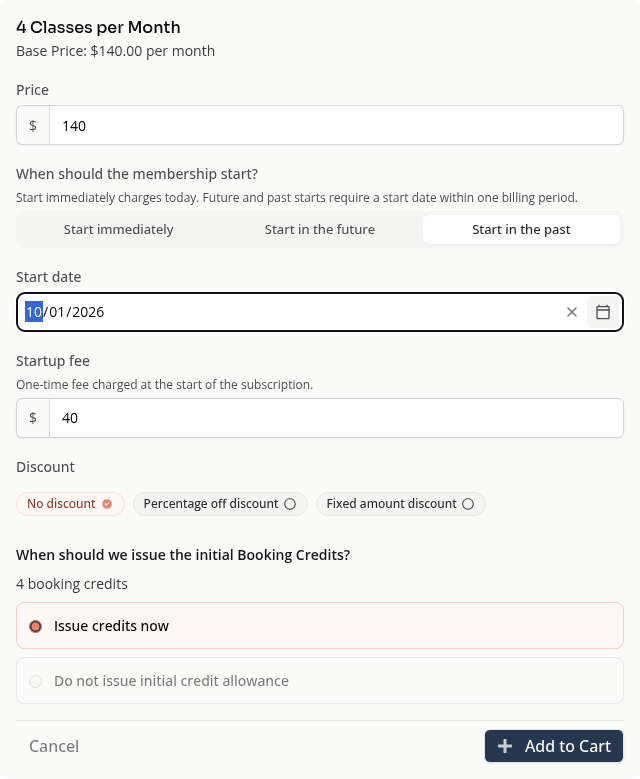
The date picker and validation restrict the allowed range. Products with unified billing can offer a different set of choices. Read the editor’s explanation and checkout totals rather than assuming every membership has the same limits.
Past Start Dates
A past start date records the membership’s earlier start. It does not make a payment happen in the past. Check the amount charged today, any startup fee and the next renewal date before completing checkout.
Do not add a second custom charge for the same period without first reviewing the membership charge. Backdating does not give permission to rewrite all historical attendance or transactions.
Future Billing Choices
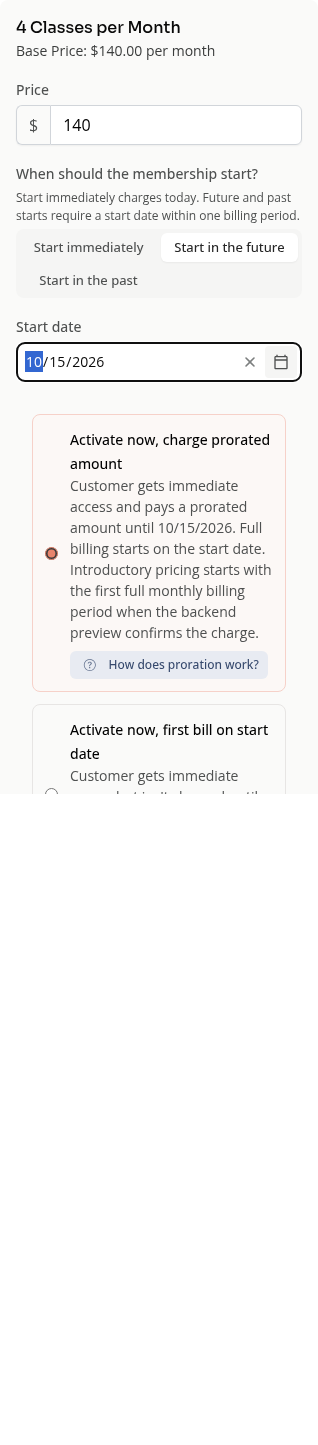
The editor can offer Activate now, charge prorated amount or Activate now, first bill on start date. Both descriptions explain the immediate access and the first full billing date.
A future date therefore does not always mean access waits until that day. The selected option determines the result. Unified billing can use different partial-period choices.
Initial Booking Credits
Review When should we issue the initial Booking Credits?. Available choices depend on the product and billing option. An option can be disabled when it would conflict with the selected start or charge.
Credits issued now and credits issued with the first bill are different. Check both the access and charge summaries before Add to Cart, then review the final cart before payment.
On Mobile
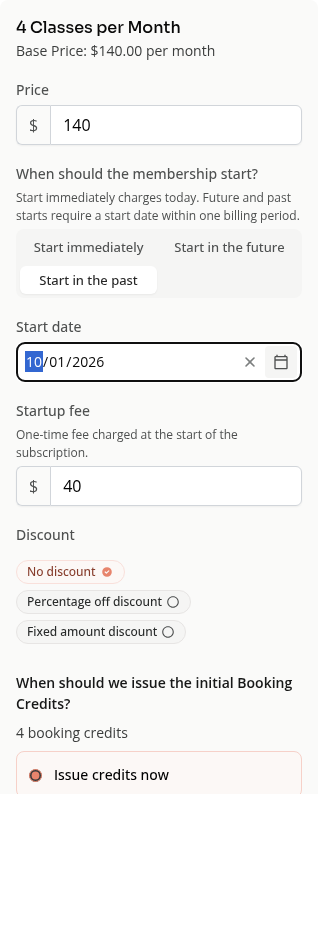
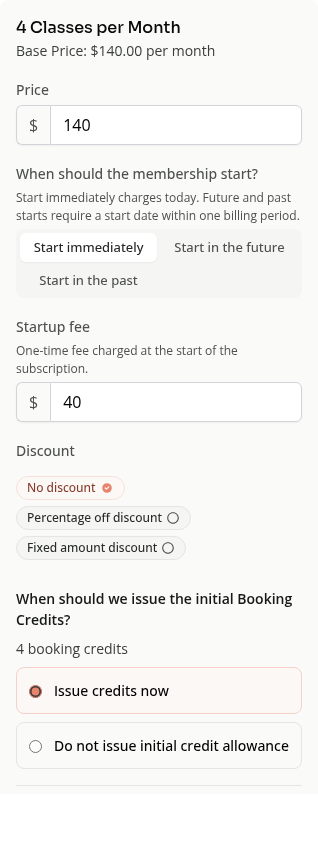
The same product setup stacks the start choices, date and credit controls.
Troubleshooting
The date is rejected. Use the allowed range shown by the editor. Older dates can need a migration or support workflow rather than normal checkout.
A credit choice is disabled. Check the start and billing options. Some combinations require a specific initial-credit choice.
The first charge differs from the recurring price. Review startup fees, discounts, tax and any partial-period charge.
See Membership Billing and Access Explained for recurring frequency and deferred charges.
Need a hand?
Email our team at support@joinzipper.com and we'll usually reply within a few hours.
Was this article helpful?
Thanks for your feedback.