How to Review Website Visitor Analytics
Review visits, referral sources, and traffic to individual pages on your connected website.
Open Website + App → Visitor Analytics. Check the domain shown under Analytics if your studio has more than one website.
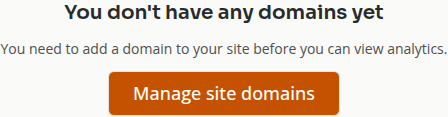
If the page says You don’t have any domains yet, choose Manage site domains and connect a domain.
Review the whole site
- Set Start date and End date. Choose Week or Month under Period, then choose Get analytics.
- Open Site analytics. Use Total visits to check traffic and review the pages that received visits.
- Under Referrals, check the listed sources and their visit counts for the selected dates.
Review one page
Select Page analytics and choose a page from the list. In Visitors per day, check Visits for the plotted dates and Accumulated total visits for the running total.
If you see No site data available for this period, check the domain shown under Analytics and whether the website had visits during the selected dates. The date controls are not shown with that message.
Need a hand?
Email our team at support@joinzipper.com and we'll usually reply within a few hours.
Was this article helpful?
Thanks for your feedback.