New Feature: AI-Assisted Front Desk
Answer website questions from the knowledge you approve and convert more leads with Zipper's AI-assisted front desk. Try it free today.
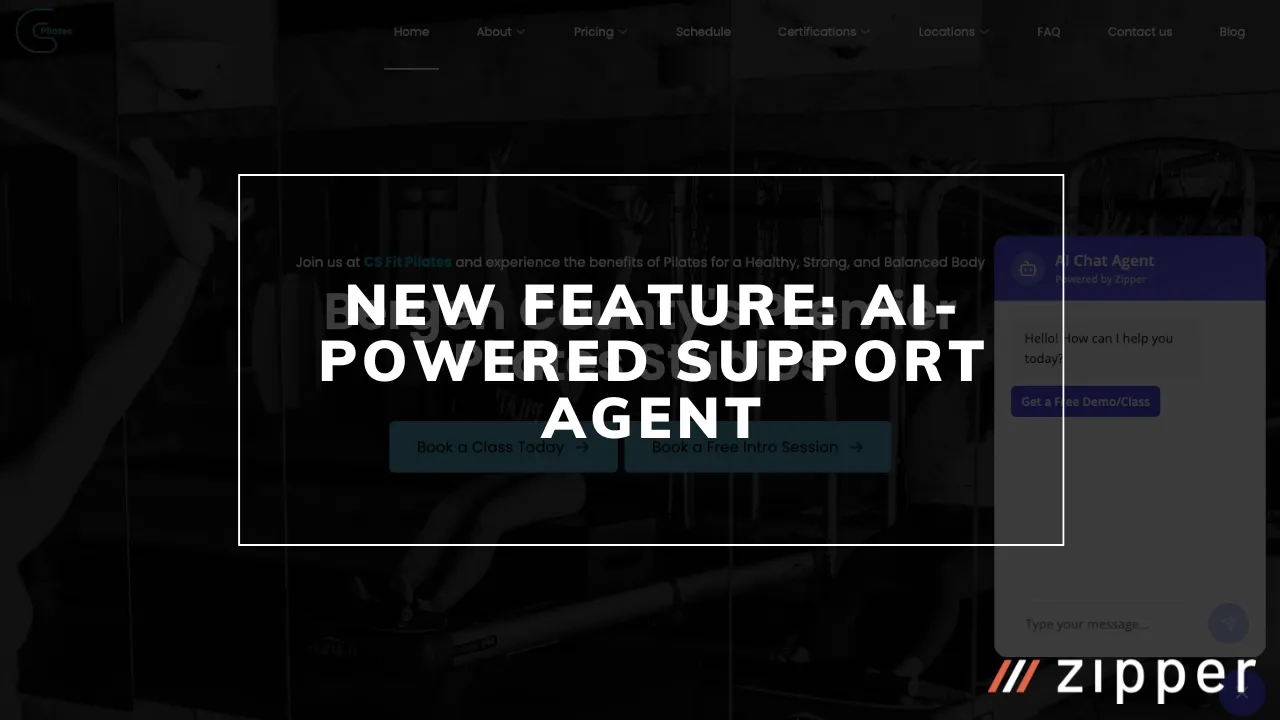
We’re shipping new features so fast that we couldn’t wait to announce our new AI-assisted front desk!
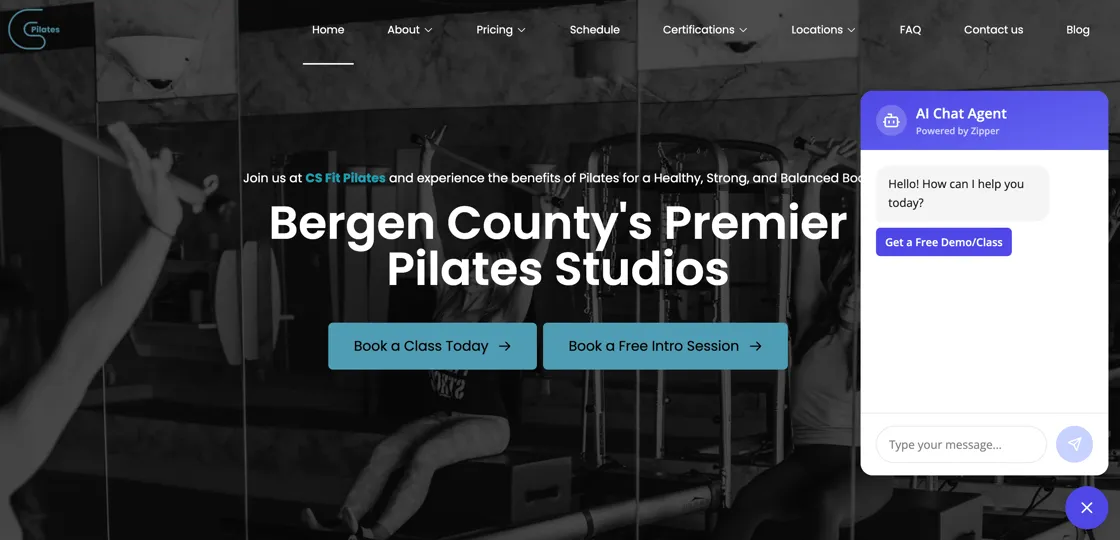
It gives your website visitors quick answers to their questions, even after hours. The chat widget learns from your website content and the business information you add, answers from that knowledge, and hands anything else to your team, saving you time each week answering calls, emails, and texts, and increasing lead conversion rates 20% on average.
✨ What’s New
AI-Powered Customer Support:
- Answers you approve: It answers from your website and the knowledge you add about your business, services, classes, and frequently asked questions
- After-hours answers: Visitors can get answers to common questions even when your team is offline
- Set up in 60 seconds: Automatically added to all Zipper accounts
- Not a Zipper customer but want to try it for free on your website? Reply to this email and we’ll get you exclusive access
- Conversation History: Track and review customer conversations in your dashboard
- Smart Escalation: Automatically escalate complex questions to your team when needed, while saving them from having to answer the same FAQs over and over again.
Key Features:
- Natural language understanding for customer questions
- Context-aware responses based on your website content and internal content added to your Agent Knowledge Base
- Mobile-responsive chat interface
- Customizable welcome messages and chat appearance
🚀 How to Set Up
Setting up AI Website Chat takes less than 60 seconds.
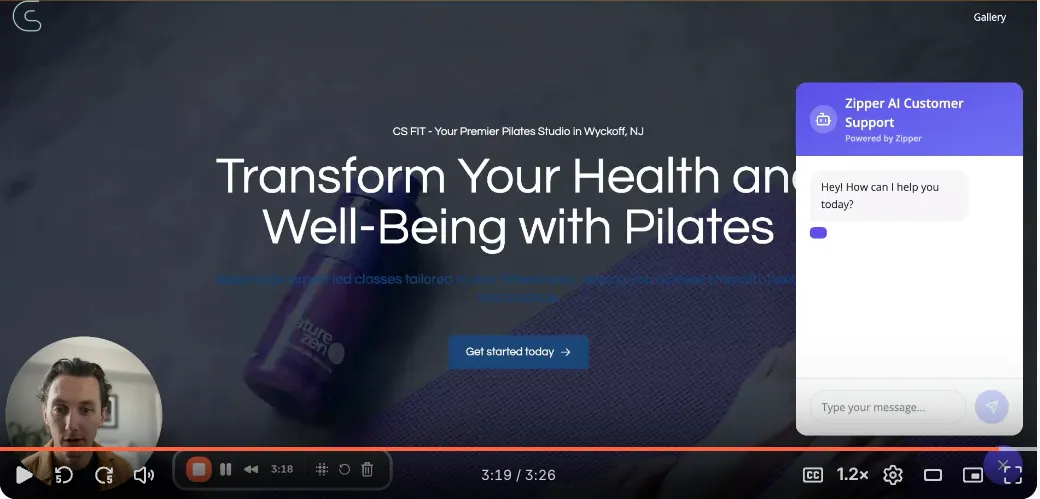
Step 1: Enable the Feature
- Log in to your Zipper dashboard
- Navigate to Sites → Chat Agent (under your site name)
- Click “Enable AI Chat”
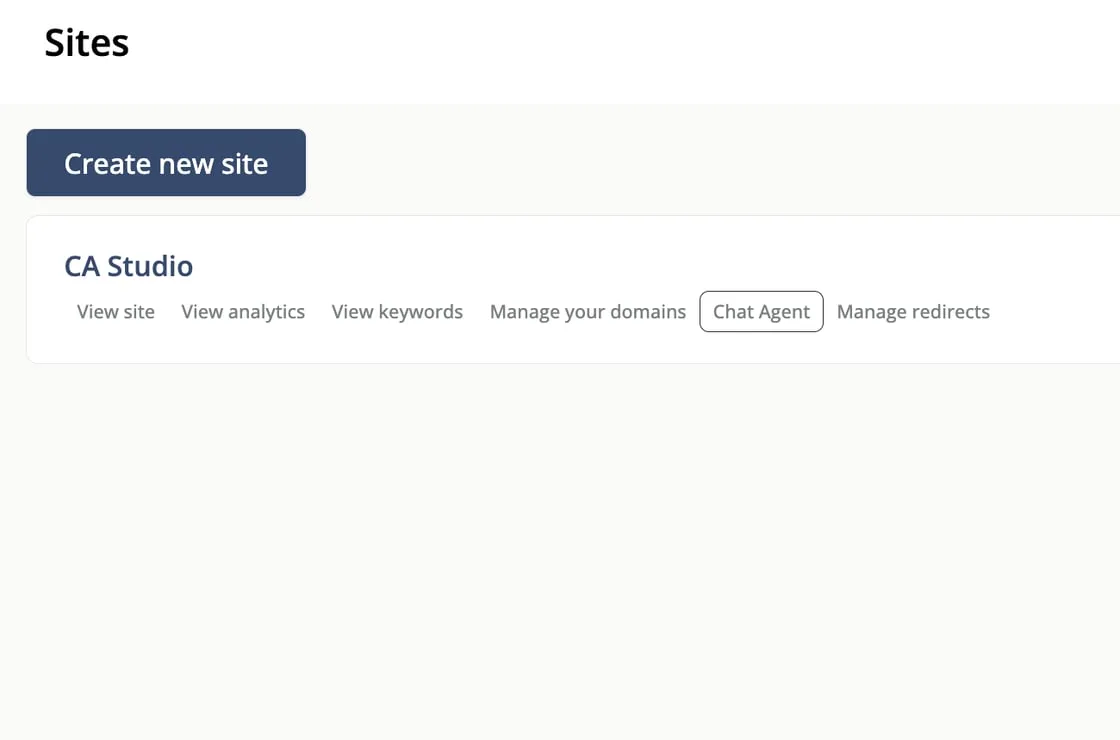
Note: On our new and improved sidebar which will be released in the next day or two, your AI Agent will be under ‘Operations’
Step 2: Customize Your Chat Widget
- Welcome Message: Set a custom greeting message that appears when customers open the chat
- Give Business Context: The AI automatically learns from your website content, but you can add the following to its Knowledge:
- Frequently asked questions
- Business hours
- Special policies or information
- Service descriptions and intro offers
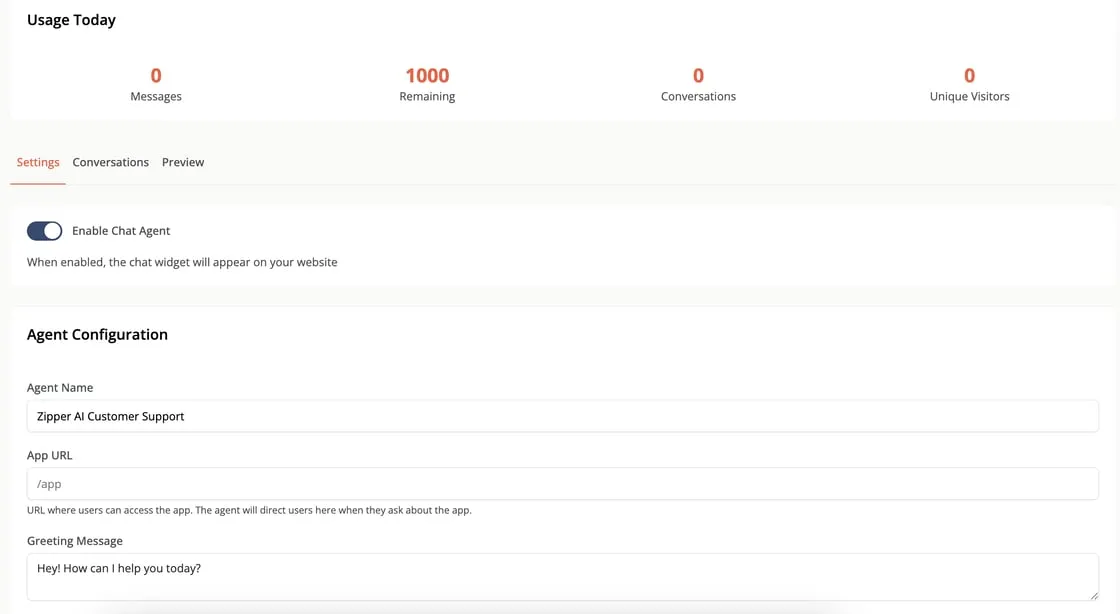
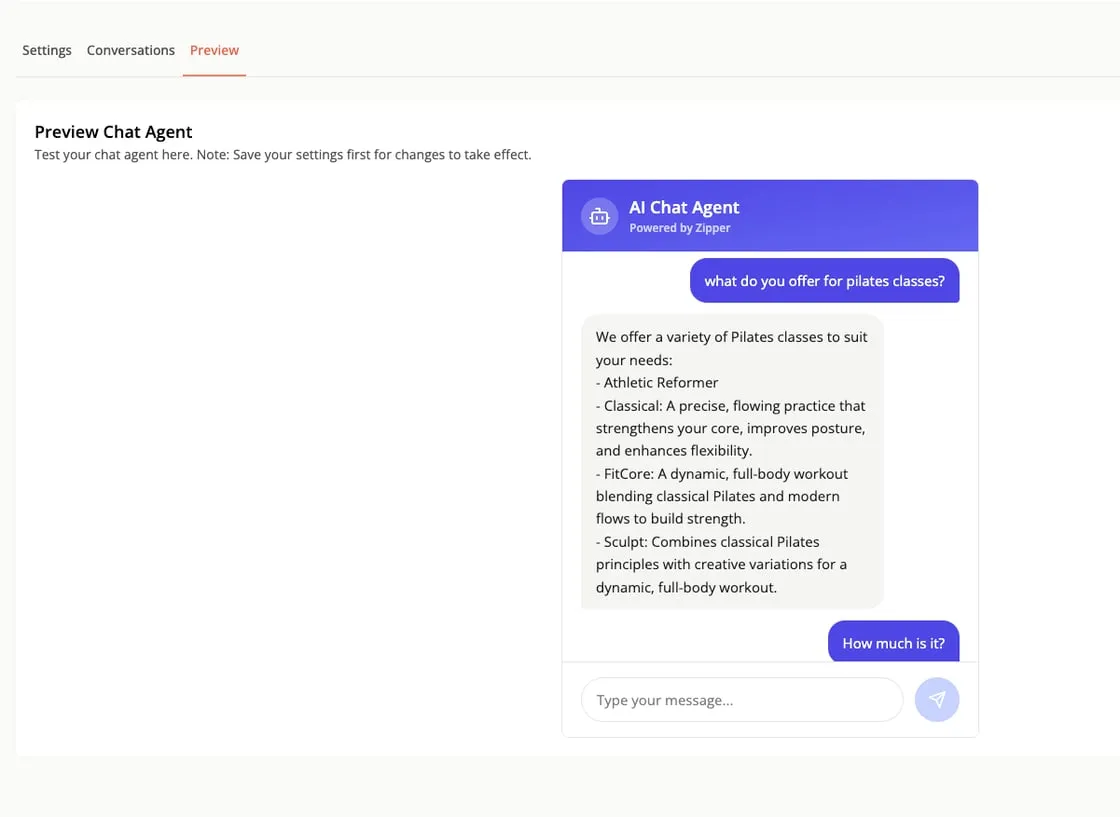
- Test your agent under ‘Preview’
Step 3: Add to Your Website
- For Zipper customers, the chat will be automatically added to your site when you Enable Chat Agent → Save → Publish your site
If you don’t have a Zipper Site and would like to try Zipper’s Chat Agent for free, reply to this email and we will help you get set up and you can install it on your current site. It will learn all about your business in seconds!
💡 What are the benefits?
For Your Business:
- Reduce Support Load: Handle common questions automatically, freeing up your team for complex inquiries
- Never Miss a Lead: Capture customer questions even outside business hours
- Improve Customer Satisfaction: Instant responses mean happier customers
- Gain Insights: Understand what customers are asking about most
- Increase Conversions: Help visitors find information quickly, leading to more bookings and sales
For Your Customers:
- Instant Answers: Get immediate responses to questions without waiting
- After-hours answers: Get answers to common questions anytime
- Natural Conversation: Chat feels like talking to a real person
- Quick Information: Find class schedules, pricing, policies, and more instantly
- Easy Access: Simple chat button that’s always available
Key Metrics You’ll See:
- Reduced support ticket volume
- Faster response times
- Higher customer satisfaction scores
- Increased website engagement
- More completed bookings and purchases
🎯 Best Practices
To get the most out of AI Website Chat:
- Provide Context to the Knowledge Base: Add your business hours, common policies, and service descriptions in the settings
- Review Conversations: Regularly check chat logs to identify common questions and improve responses
- Customize Messaging: Make the welcome message friendly and aligned with your brand voice
- Monitor Performance: Use the analytics dashboard to see which questions are asked most frequently
🔒 Privacy & Security
- All conversations are encrypted and secure
- Customer data is handled according to privacy best practices
- You control what information the AI can access
- Compliant with data protection regulations
Ready to give your studio an AI-assisted front desk? Request a demo, learn more about the AI-Assisted Front Desk, or read how we think about AI.