What "Favorite This Product" Does
The "Favorite this product" toggle pins a product to the top of the product list in the Point-of-Sale for faster access during in-person checkouts. It has no effect on the customer-facing shop.
Where the Favorite Appears
- In the Point-of-Sale: Favorited products appear pinned at the top of the product selector, so staff don’t have to scroll or search for frequently used products.
- In the customer shop: No effect — favorites don’t change what customers see or the order products appear.
How to Favorite a Product
- Go to Products & Services > Manage Plans and create or edit a product.
- Scroll to the Point-of-Sale favorite section and turn on Favorite this product.
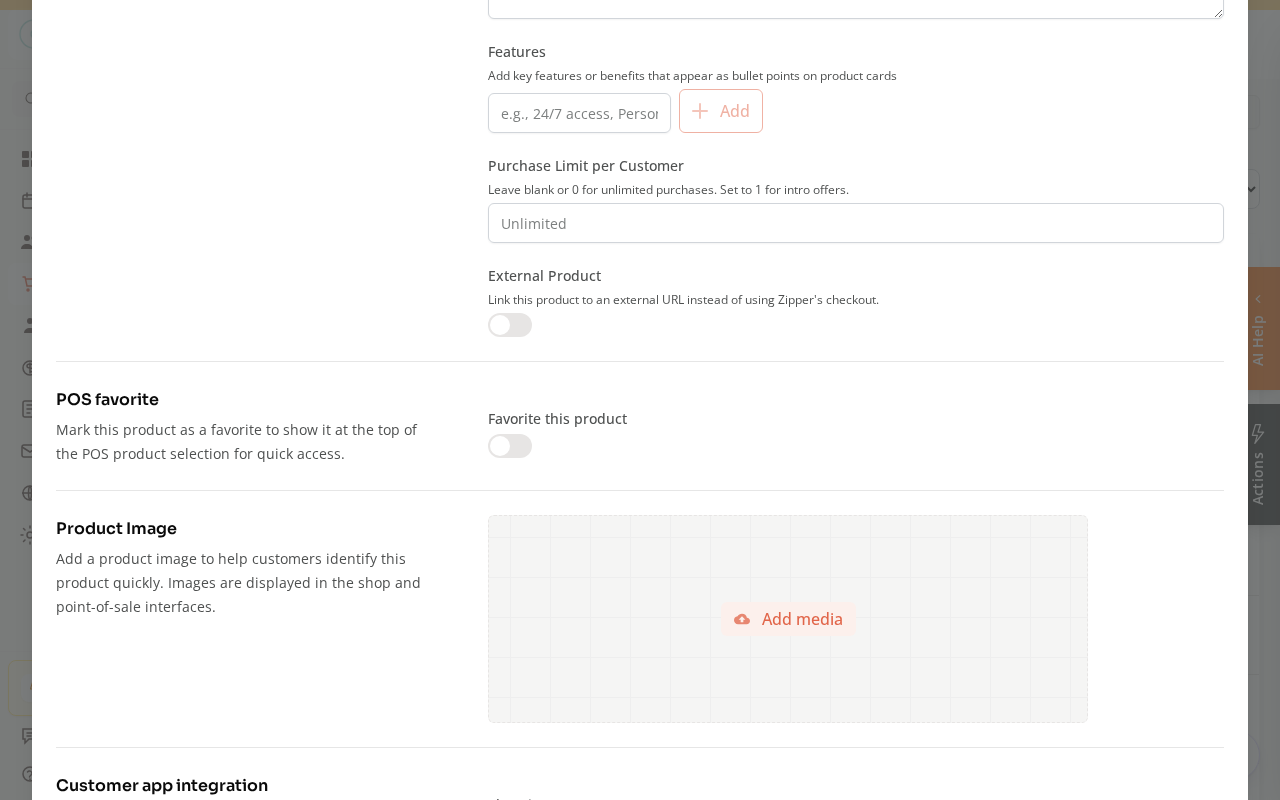
- Save.
When to Use It
Favorite the 5–10 products your front desk uses most during in-person checkouts (e.g., your most popular membership, drop-in pricing, a popular booking credits). Avoid over-favoriting — if everything is pinned, nothing stands out.
Need a hand?
Email our team at support@joinzipper.com and we'll usually reply within a few hours.
Was this article helpful?
Thanks for your feedback.