How to View Subscriber Status for Email and SMS
Check whether a customer is subscribed or unsubscribed from your email and SMS lists.
For an Individual Customer
- Navigate to: Contacts > Customers → find the customer → click their name
- Look for the Subscription Status or Communication preferences section on their profile
Across Your Whole Audience
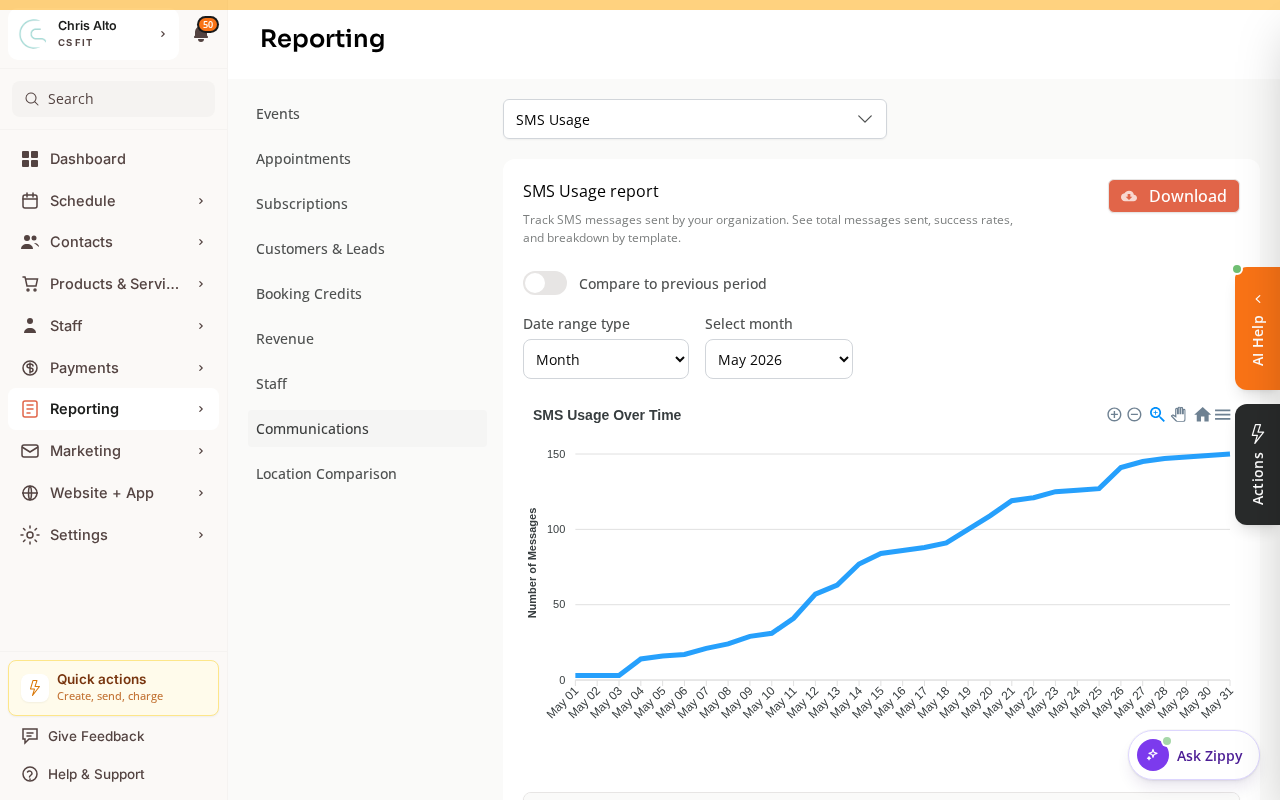
For an org-wide view, go to Reporting > Reports → Communications for email/SMS subscriber reporting.
For a Contact List
- Navigate to: Marketing > Email → Contact Lists
- Open a contact list
- Each contact row shows their email/SMS subscription status
Subscription Statuses
| Status | Meaning |
|---|---|
| Subscribed | Will receive campaigns and automations |
| Unsubscribed | Opted out — will NOT receive marketing messages |
| Pending | Invited but hasn’t confirmed subscription yet |
Can I Re-Subscribe Someone Who Unsubscribed?
Generally no — re-subscribing someone who opted out is against email regulations and Zipper’s terms. The customer must re-subscribe themselves (e.g., by clicking a subscribe link).
If there was an error (e.g., they clicked unsubscribe accidentally), they can re-subscribe via your signup form or by contacting you directly.
Tips
- SMS unsubscribes: If a customer texts STOP, they’re removed from SMS marketing. They can rejoin by texting START.
- Transactional emails still send: Booking confirmations, receipts, and account emails send regardless of marketing subscription status.
Need a hand?
Email our team at support@joinzipper.com and we'll usually reply within a few hours.
Was this article helpful?
Thanks for your feedback.