How to Invite Someone to a Duet Appointment
Share a link so someone can book the second spot in your upcoming two-person appointment.
If you’ve booked an upcoming two-person appointment, you can share an invitation for the same service, provider, and time.
Share the invitation
-
Sign in to your studio’s app and open My calendar → Active Bookings.
-
Find the appointment and choose Manage.
-
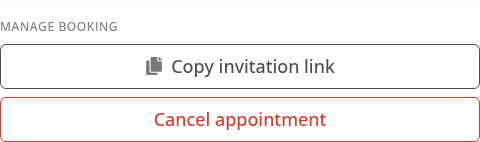
Under Manage booking, choose Copy invitation link and share the link with the person you want to invite. If copying fails, select and copy the link shown below the button.
Use an invitation you received
Open the link and check the appointment time, time zone, and provider. Choose who the appointment is for, review the payment or booking credit options, and finish booking. The second person makes their own booking. Sharing the invitation leaves the original booking in place.
If the link is unavailable
The second spot must still be available when the other person books. The invitation can become unavailable if the slot fills, the original booking is canceled, or the appointment starts. Choose Choose another appointment to return to the studio’s appointment schedule, or contact the studio for help.
Copy invitation link is for supported, upcoming two-person bookings. For a private buyout or another appointment type, ask the studio about its booking options.
Need a hand?
Email our team at support@joinzipper.com and we'll usually reply within a few hours.
Was this article helpful?
Thanks for your feedback.