How to Edit Your Site Footer Information
Update your studio's contact info, social links, copyright text, and quick links that appear at the bottom of every page.
Steps
- Navigate to: Website + App > Site Editor.
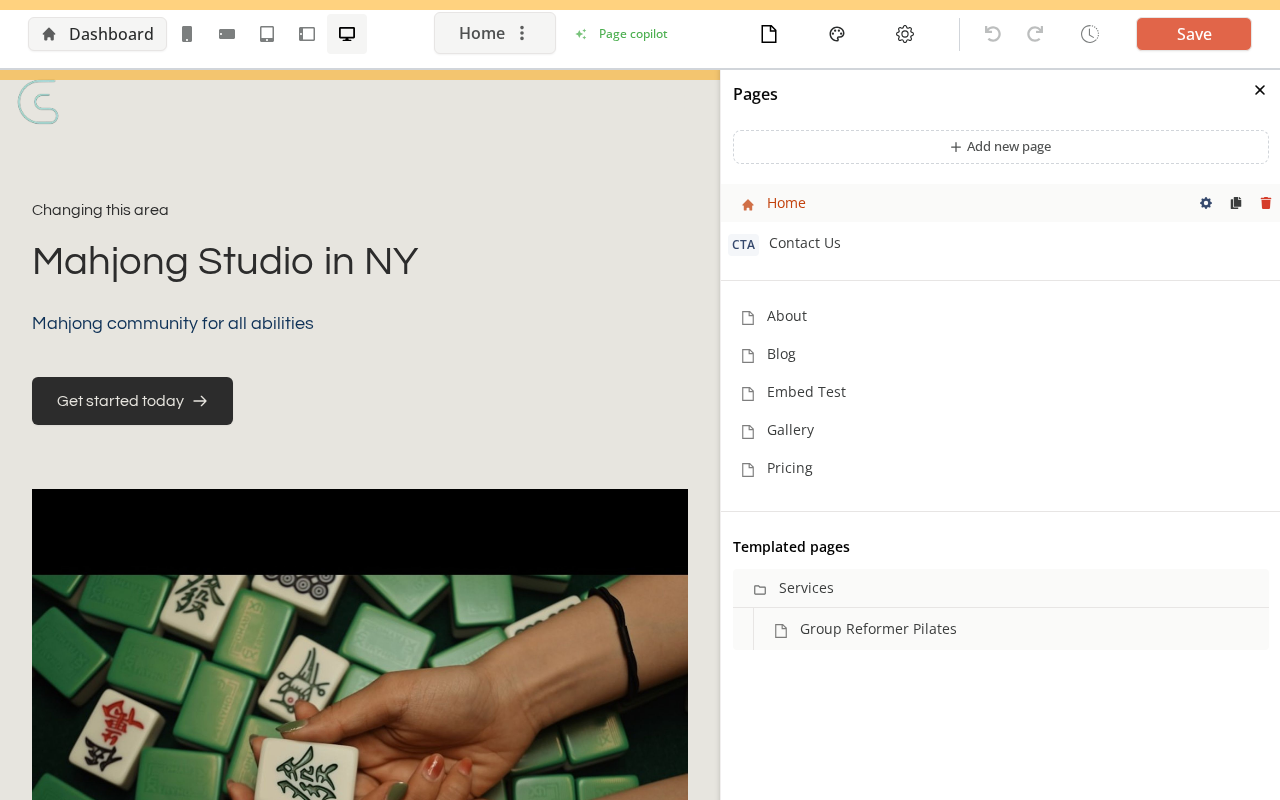
- In the left toolbar, click Footer (or Site settings → Footer)
What you can edit
- Business info: Address, phone, email shown in the footer
- Social links: Links to your Facebook, Instagram, LinkedIn, etc.
- Quick links: Additional navigation links (policies, external resources)
- Copyright text: The copyright line at the very bottom
- Logo: Footer logo (may differ from the header logo)
- Make your changes
- Click: Save
Publishing Changes
Edits to the footer are saved in draft form. Click Publish in the Site Editor to make the changes live on your published site.
Tips
- Legal links: Use Quick Links for your Privacy Policy and Terms of Service URLs.
- Footer appears on all pages: Changes here apply site-wide automatically.
Need a hand?
Email our team at support@joinzipper.com and we'll usually reply within a few hours.
Was this article helpful?
Thanks for your feedback.