How to Create a Program (Workshop / Multi-Day Event)
Programs are multi-session offerings — workshops, retreats, courses, or any event with more than one meeting. Here's how to create one.
Steps
- Navigate to: Schedule > Programs.
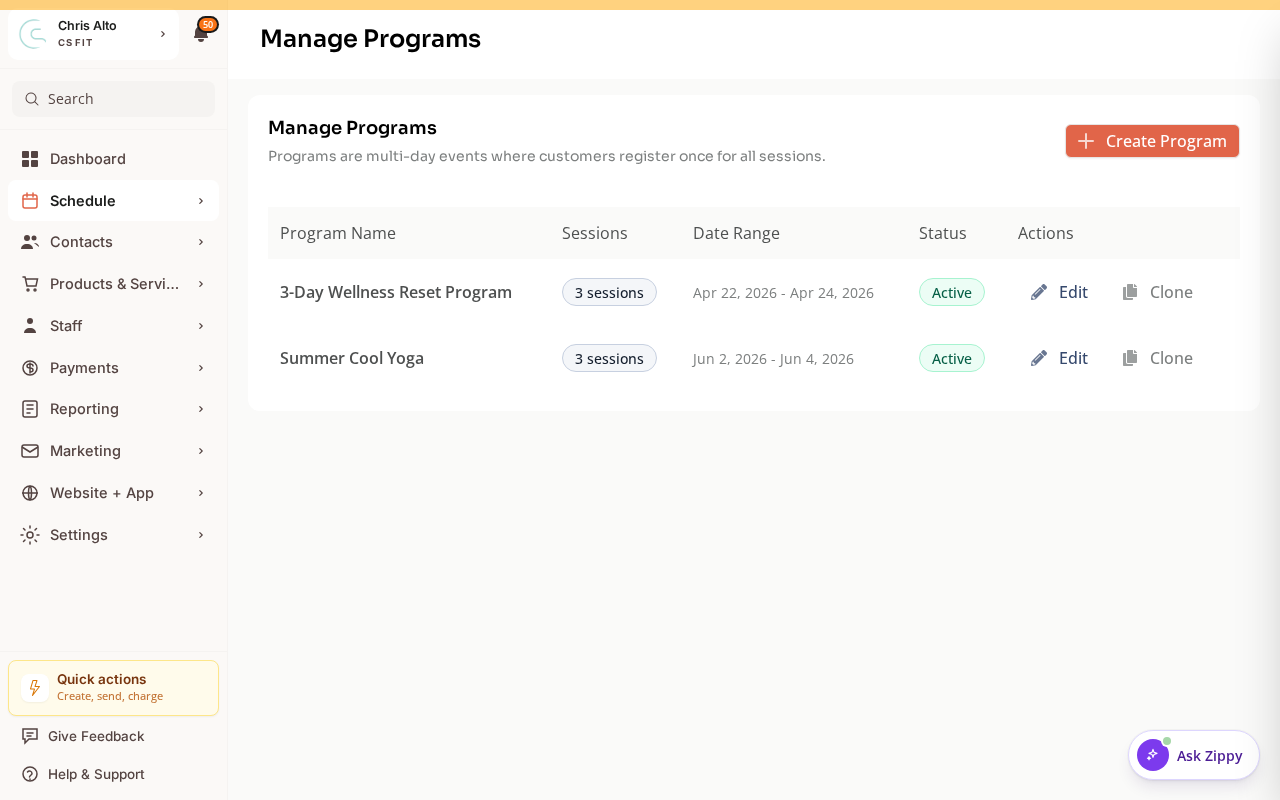
- Click: New program. A guided wizard opens — describe your program for the AI to pre-fill it, or choose to enter the details manually.
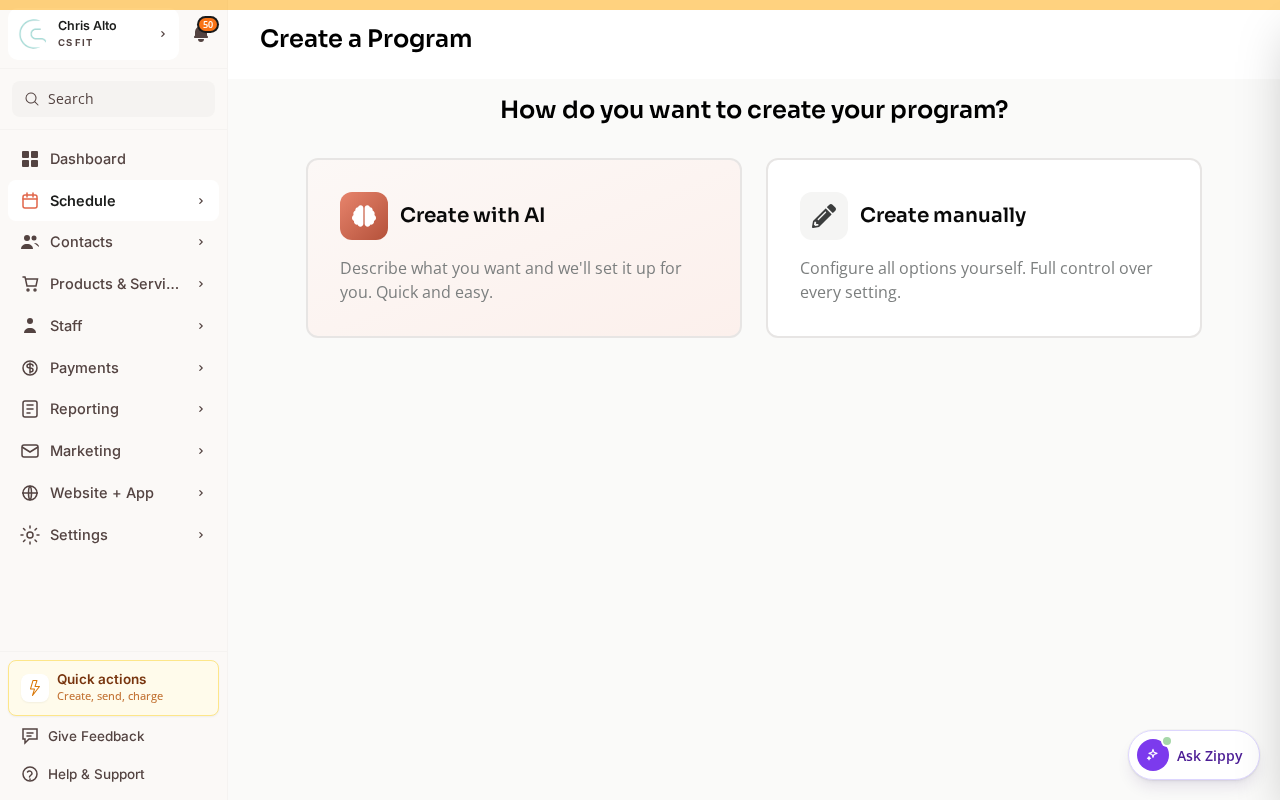
- Work through the wizard’s four steps: Program Details → Sessions → Payment → Review.
Basic Details
- Name: Workshop or program title
- Description: What it covers and who it’s for
- Category / Type: Classify the program
Sessions
- Add sessions: Click Add session for each meeting
- For each session: set date, start time, end time, and location
- Programs can have 2, 5, 10, or any number of sessions
Pricing and Registration
- Price: Set the price for the full program (customers buy the whole thing, not individual sessions)
- Capacity: Max registrations for the program
- Registration window: When registration opens and closes
Forms
- Attach any required intake forms or waivers
- Save / Publish
What Customers Experience
When customers register for a program:
- They pay once for all sessions
- They’re registered for every session in the program
- They receive a single confirmation email listing all session dates
On Mobile
Same steps — program creation works on mobile browser.
Tips
- Early bird pricing: Close initial registration after a set date, update the price, and reopen for “full price” registration.
- Programs vs. recurring classes: Use Programs when customers must attend all sessions and pay upfront. Use recurring classes when customers can drop in to individual sessions.
Troubleshooting
Program isn’t showing in the customer shop. Confirm “Show in app” is enabled on the program and that registration is open.
Need a hand?
Email our team at support@joinzipper.com and we'll usually reply within a few hours.
Was this article helpful?
Thanks for your feedback.