How to Change Your Booked Spot
Use the customer booking details to select another spot when your class or appointment supports spot changes.
Open My calendar → Active Bookings and select Manage on the booking you want to update.
-
Choose Change spot. If the booking offers Choose your spot, use it to select a spot for the first time.
-
Choose an open spot on the room map. Zipper holds the selection for five minutes.
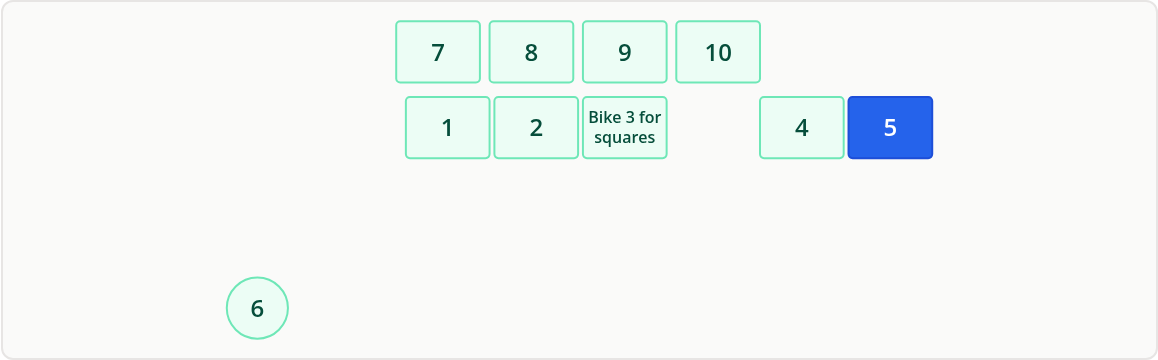
-
Select Confirm spot change or Confirm spot. Check the spot shown on your booking.
Your current spot stays reserved until the change succeeds. If another person takes the spot you selected, choose another open spot and try again. If the booking has no spot-change control, contact your studio.
Need a hand?
Email our team at support@joinzipper.com and we'll usually reply within a few hours.
Was this article helpful?
Thanks for your feedback.