How to Build a Contact List From Your Full Customer List
Create a contact list populated with all customers so you can email or text your entire membership base at once.
Steps
- Navigate to: Marketing > Email and select Contact Lists.
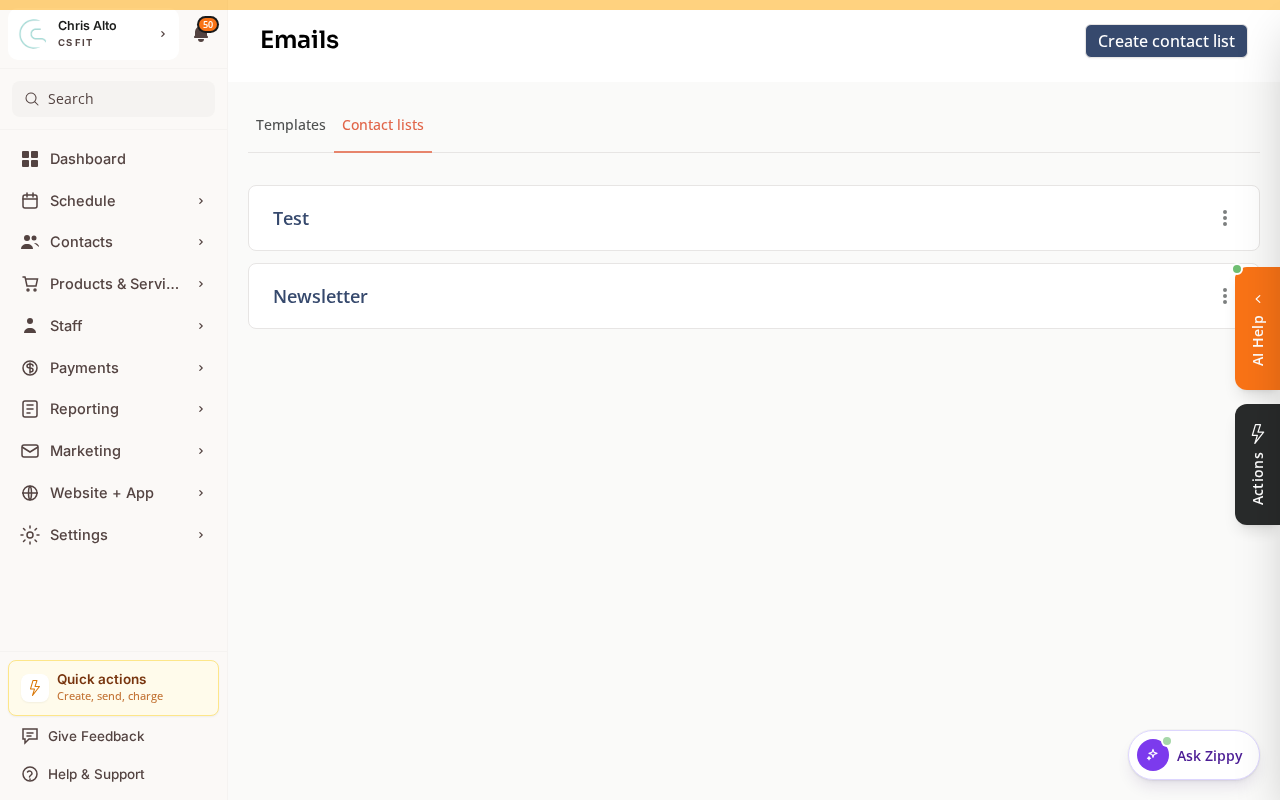
- Click: New Contact List (or Create contact list)
- Name the list: e.g., “All Members” or “Full Customer List”
- Set the source as All Customers (or Roster / All contacts)
- Confirm the list creation
Keeping the List Current
Depending on how your contact list is configured:
- Synced list: Automatically updates when new customers join or leave
- Static list: A snapshot at the time of creation — you’ll need to re-sync manually for new customers
On Mobile
Same steps — contact list management works on mobile browser.
Troubleshooting
The list has fewer contacts than expected. Check if there’s a filter applied (e.g., only active customers). Also confirm the sync mode — a static list won’t include customers who joined after it was created.
Need a hand?
Email our team at support@joinzipper.com and we'll usually reply within a few hours.
Was this article helpful?
Thanks for your feedback.