How to Apply a Gift Card to a Booking or Purchase
After redeeming a gift card code, your balance is ready to use at checkout. Here's how to apply it when you book a class, appointment, or buy something from the shop.
Before You Start
- Have a gift card credit balance on your account. If you received a gift card but haven’t redeemed the code yet, check your email for the redemption link — click it to load the credits. If you don’t see the email, check your spam folder or contact the studio to have the code resent.
Steps
Step 1: Start your booking or purchase
Go to the studio’s shop or booking page. Select the class, appointment, or product you want, and proceed to checkout.
Step 2: Apply your cash balance
Before you reach the payment screen, an Apply Cash Balance step appears — but only if you have a positive balance available.
You’ll see:
- Your Available Credit amount in a green box
- A field to enter how much you want to apply (up to the purchase total)
- A Use Max button to apply your full available balance
Enter an amount or click Use Max, then click Apply [amount] & Continue.
Step 3: Pay any remaining balance
- If your credits cover the full total: You’ll go directly to the confirmation — no payment method needed.
- If credits cover only part: You’ll be asked for a payment method (card, ACH, etc.) for the remaining amount.
Complete the checkout as normal.
At the Front Desk (Staff)
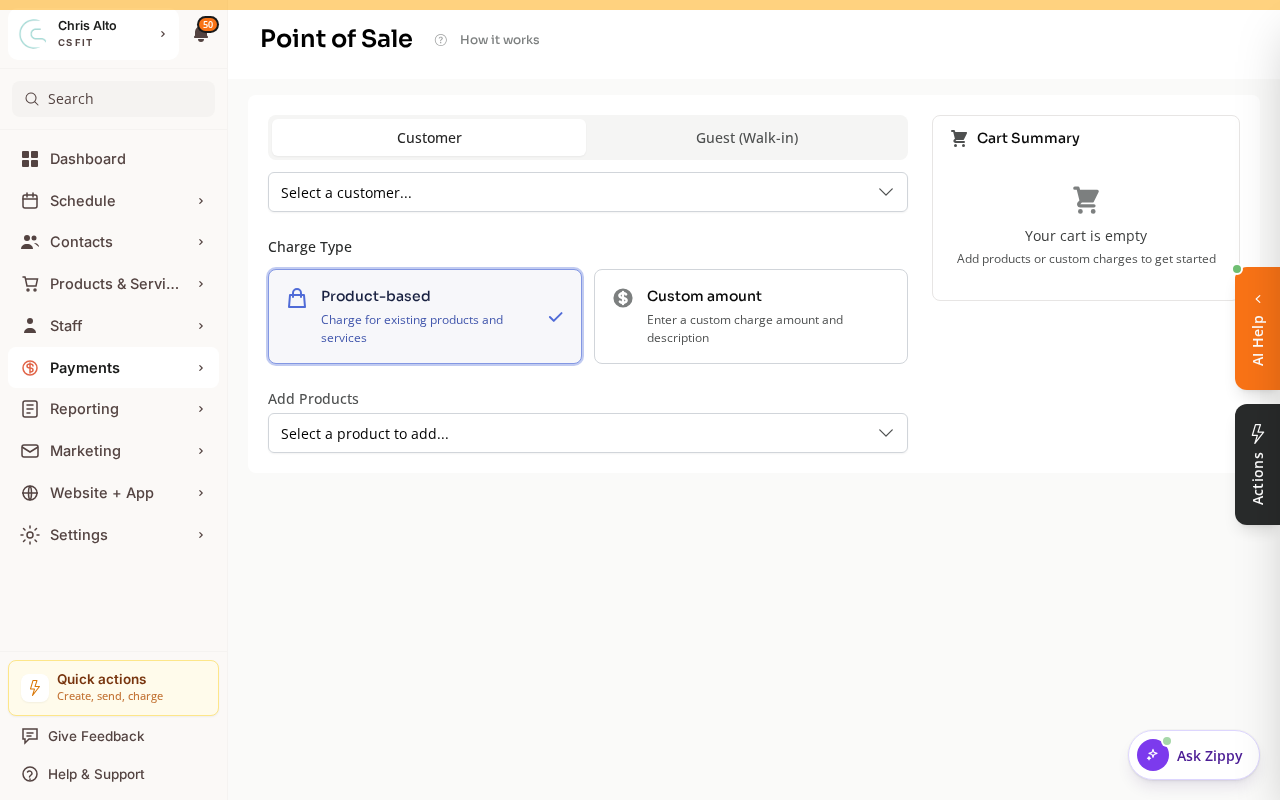
Staff can apply a customer’s gift card / cash balance during an in-person sale from Payments → Point-of-Sale — pick the customer and product, and their available balance can be applied at checkout.
Skip the Gift Card
On the Apply Cash Balance screen, click Skip, I don’t want to use my credit to proceed without applying your balance. Your credits stay on your account for future use.
On Mobile
Same flow — the Apply Cash Balance step appears before payment on mobile too.
Tips
- Gift card credits apply to all product types: classes, appointments, retail, and memberships.
- You can apply a partial amount — you don’t have to use all your credits at once.
- Your remaining credit balance is always visible in your account profile.
Troubleshooting
I don’t see the Apply Cash Balance step. This step only appears if you have a positive credit balance. If you’ve redeemed your gift card but don’t see the step, log out and back in, then try again. If the problem continues, contact the studio.
My gift card code isn’t working. The Apply Cash Balance step uses the credit balance loaded from a redeemed gift card — not the gift card code itself. Enter the code at the redemption link in your gift card email first, then your balance will appear at checkout.
Can I use gift card credits for a subscription? Yes — credits apply to the first payment of a subscription. Your card on file handles future billing cycles after the credits are used.
Redeemed your gift card but still not seeing it on your account? Make sure you’re logging in with the same email the gift was claimed with. If you think you may have multiple accounts, contact the studio to have them merged.
Need a hand?
Email our team at support@joinzipper.com and we'll usually reply within a few hours.
Was this article helpful?
Thanks for your feedback.