How to Add an External Link to a Site Page
Add links to external websites — social media, third-party booking tools, partner sites — to your Zipper site navigation or footer.
Adding a Link to the Navigation Menu
- Navigate to: Website + App > Site Editor.
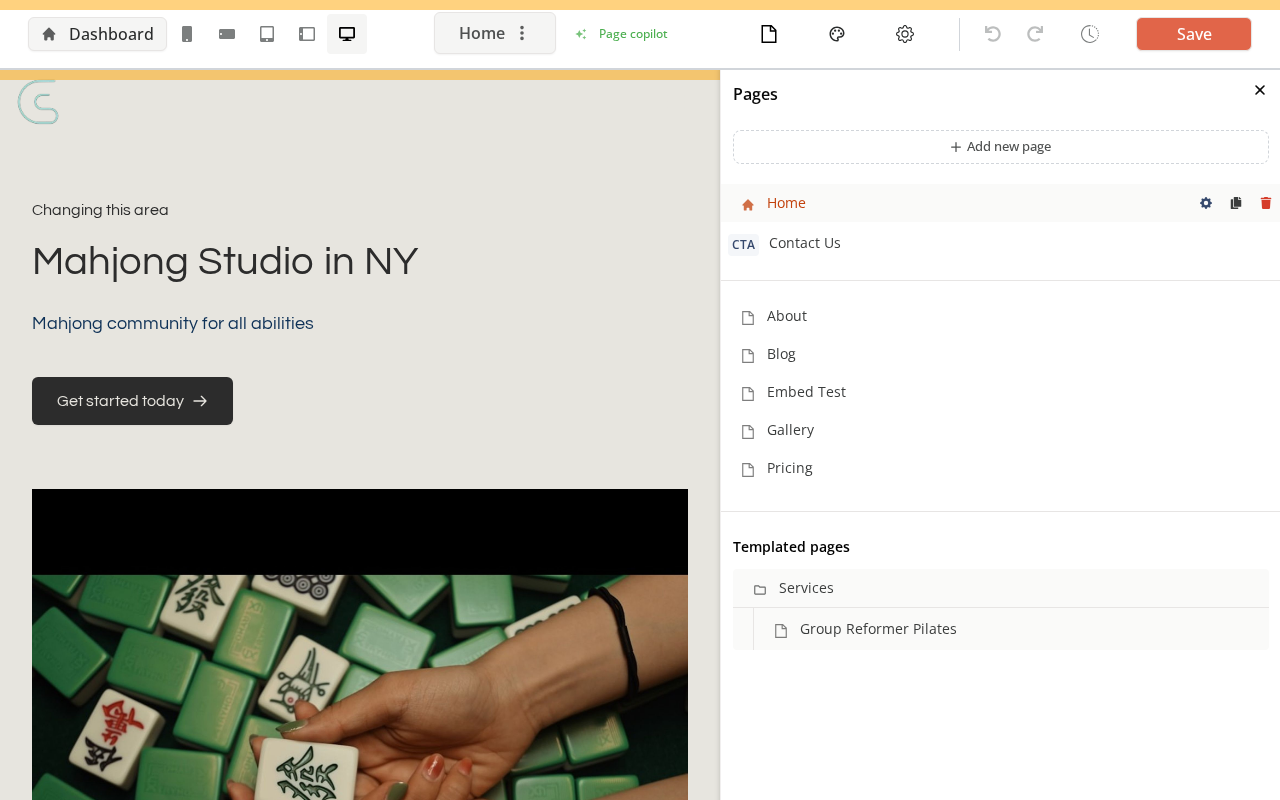
- Open Site settings → Menu
- Click: Add menu item (or the + button)
- Set: Label (text shown) and URL (the external link)
- Click: Save
Adding a Link to the Footer
- Open the Site Editor → Site settings → Footer
- Find the Quick Links section
- Click: Add link
- Set: Label and URL
- Save
Adding a Link Button Within a Page Block
- Open a page in the Site Editor
- Click on any button or CTA element
- Change the button’s link target to the external URL
- Save
Tips
- Open in new tab: For external links, check the “Open in new tab” option so users don’t navigate away from your site.
Need a hand?
Email our team at support@joinzipper.com and we'll usually reply within a few hours.
Was this article helpful?
Thanks for your feedback.