How Members View Their Schedule and Upcoming Bookings
Members can see all their upcoming classes, events, and appointments from the Zipper customer dashboard.
Where to Find Your Schedule
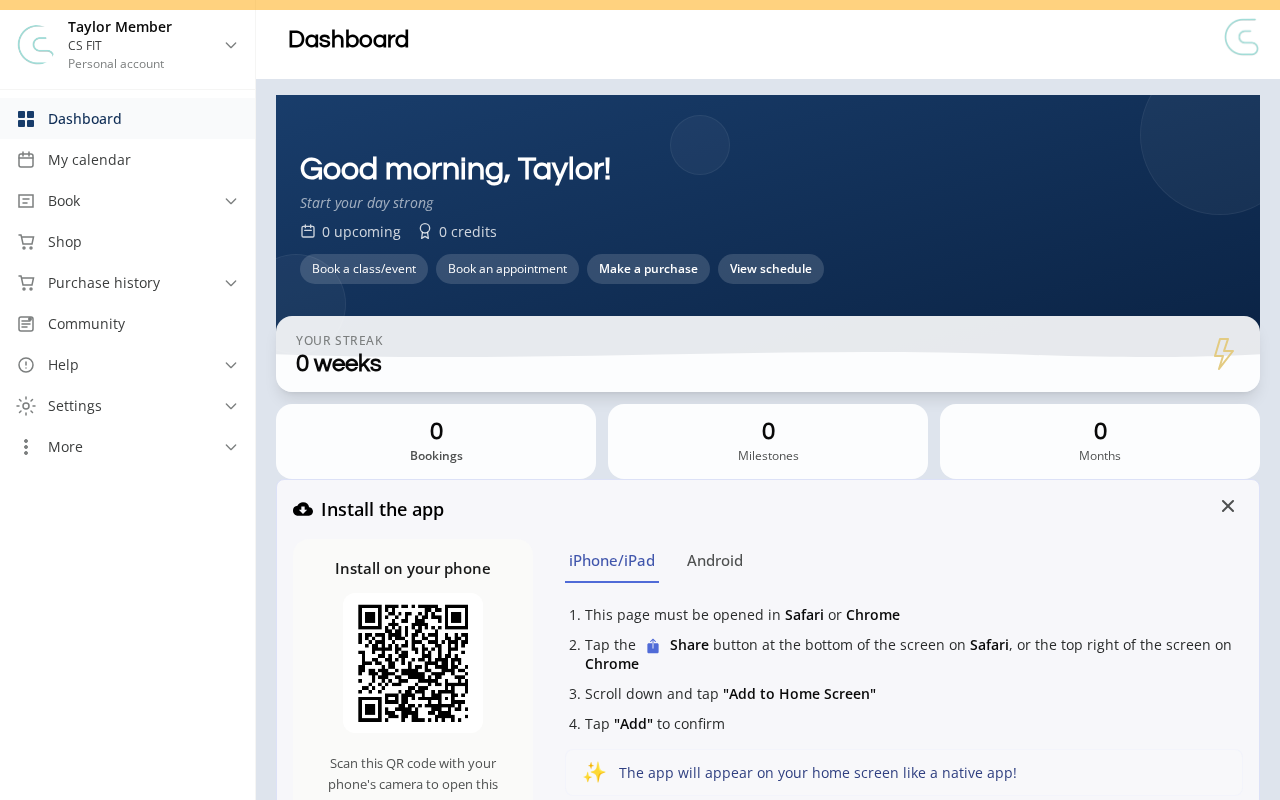
- Log in to your studio’s customer site and open My calendar from the sidebar.
- Active Bookings shows your upcoming classes, events, and appointments. Past Bookings shows completed and canceled bookings. The Calendar tab gives a date-grid view.
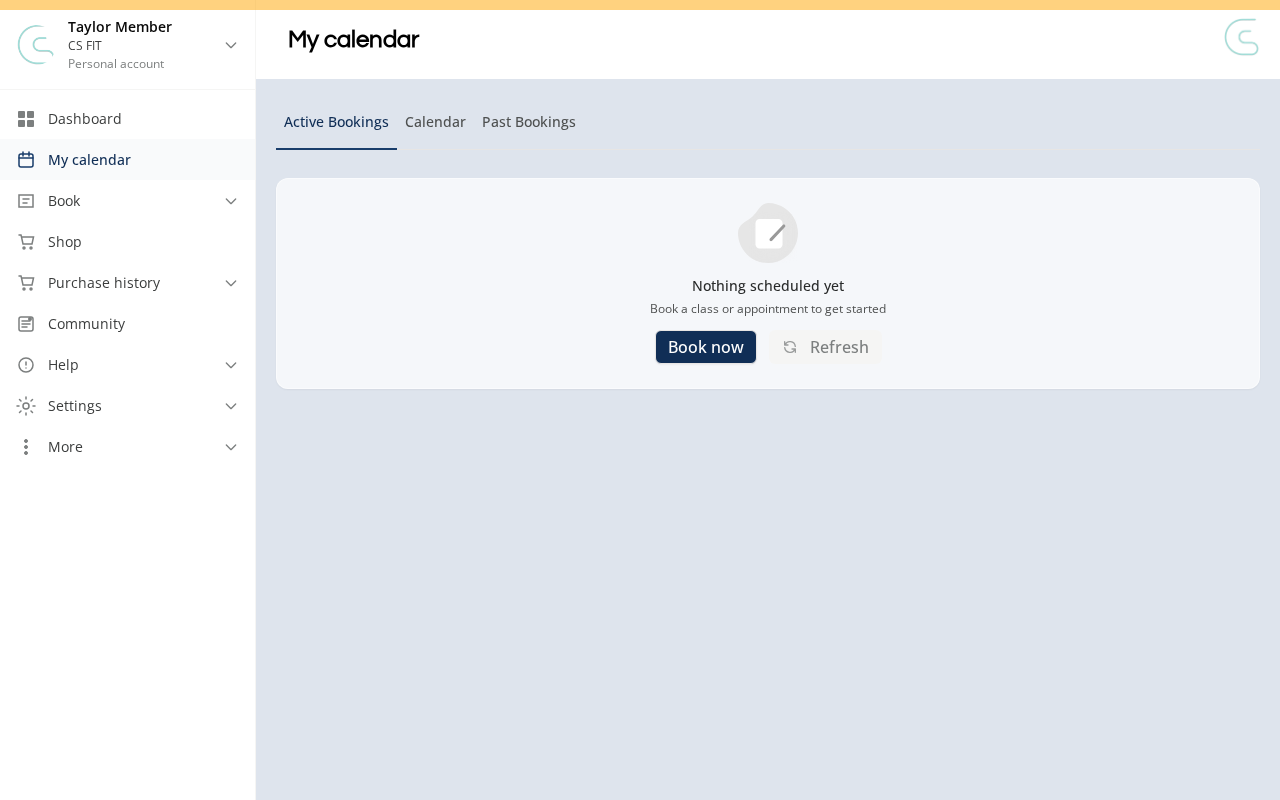
Each booking card shows name, date/time, location (or virtual meeting link), instructor, and registration status (confirmed or waitlisted).
Troubleshooting
Booked a class but it’s not showing? Confirm you’re logged in with the same email used to book. If still missing, contact the studio — it may be under a slightly different email.
See a class you didn’t book? On a family account, you can see bookings made for family members through the parent/guardian account.
Need a hand?
Email our team at support@joinzipper.com and we'll usually reply within a few hours.
Was this article helpful?
Thanks for your feedback.