How Customers Cancel a Booking
Members can cancel their own class or appointment bookings from their Zipper account — no need to call the studio.
Steps
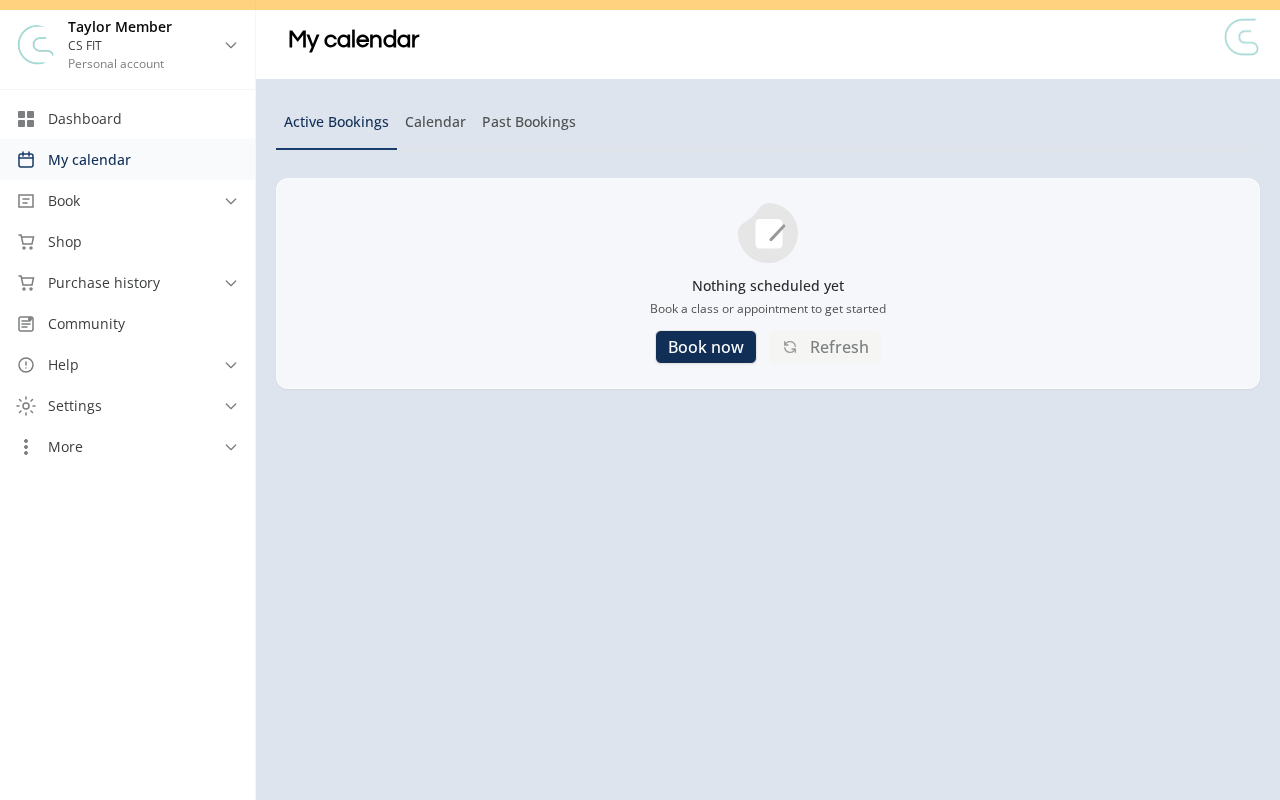
Step 1: Go to My calendar
- Log in to your studio’s customer site, then open My calendar from the sidebar and stay on the Active Bookings tab.
Step 2: Cancel the booking
- Under Active Bookings, choose Cancel registration for a class/event or Cancel appointment for an appointment. For a waitlisted class booking, choose Leave waitlist.
- Review the cancellation policy and any credit or fee warning before choosing Confirm cancellation. Waitlist withdrawals use Leave waitlist to confirm.
- If the booking repeats, keep the option for this date only to cancel one booking. Choosing this and future bookings ends that recurring schedule; the confirmation shows the affected date range and count and uses Cancel series.
What Happens After You Cancel
- Before the cancellation cutoff: For an individual booking paid with a Booking Credit, the credit can be returned without a late-cancel fee. If the warning says a credit return is not guaranteed, contact your studio.
- After the cutoff (late cancel): Your credit can return or remain used, and a separate late-cancel fee can apply. For class credit-pack bookings, the credit rule and cash-fee rule are independent: forfeiting a credit does not necessarily waive a configured fee. The class cancellation warning explains the booked credit consequence; review it before confirming.
- On the waitlist: You can leave without a cancellation fee. A Booking Credit used for that waitlist booking is returned; a booking that did not use a credit does not create a new one.
- Ending a recurring schedule: No refunds or Booking Credits are issued by this action. Cancellation and fee rules are evaluated for each affected date.
Appointment cancellation policies may differ from class policies. Private sessions that reserve the whole class or appointment can have separate fee settings while using the host class or appointment type’s cancellation cutoff. Ask your studio about the applicable policy if the warning does not explain those private-session fees.
Troubleshooting
No cancel option on the booking? The studio may have blocked customer cancellations for that appointment type, or the booking may no longer be active. Contact your studio directly. Passing the late-cancellation cutoff can affect credits and fees; it does not by itself disable appointment cancellation.
Canceled but credit wasn’t returned? Check whether the booking used a Booking Credit, whether the policy keeps late-cancel credits used, and whether you ended a recurring schedule. A late cancellation can still return a credit under some policies. Contact your studio if the result differs from the applicable policy.
Need a hand?
Email our team at support@joinzipper.com and we'll usually reply within a few hours.
Was this article helpful?
Thanks for your feedback.