Booking Credits and All Access Explained
Understand credit packs, unlimited access, expiration, family sharing and book-ahead credits.
Booking Credits and All Access Explained
Booking credits let customers pay for a group of visits in advance. A ten-class pack might give a customer ten visits. A membership may issue fresh credits each billing period.
All Access gives access to selected services. Cash balance is money held on the customer’s account. They have different jobs.
What a Credit Group Controls
Open a product from Products & Services > Manage Plans, then choose Booking Credits in the product editor.
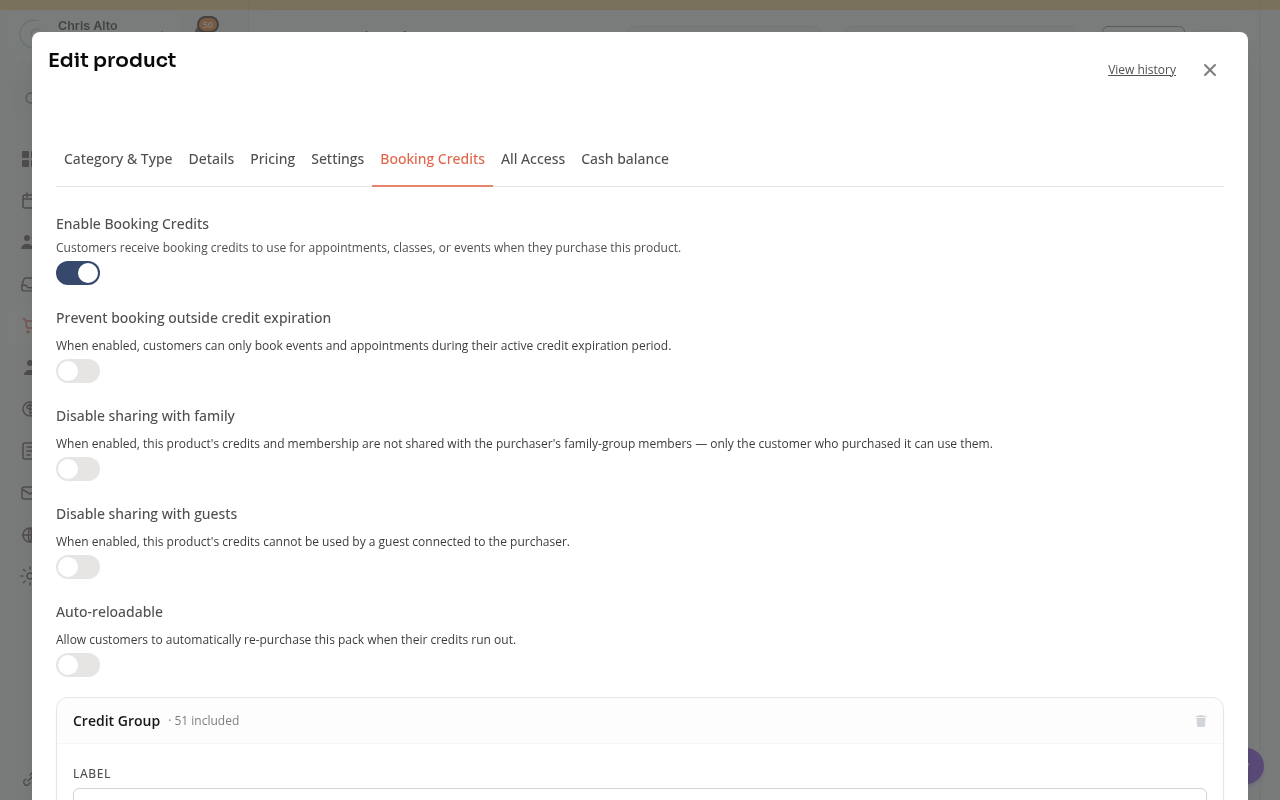
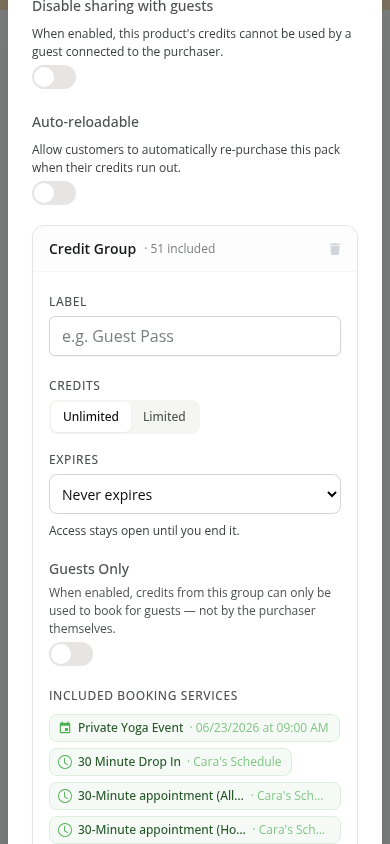
Each group can have its own credit count, expiry and included services. For example, one membership could include class visits in one group and guest visits in another.
- Limited has a set number of uses.
- Unlimited does not count down a fixed number of visits. It can still have an access end date and service restrictions.
- Included booking services determines which classes, events or appointment types accept the group’s credits.
A customer owning a product does not automatically mean it pays for every service.
When Credits Expire
One-time credit packs offer these choices:
| Choice | What it means |
|---|---|
| Expires after | The pack uses the number of days you set. |
| Never expires | Unused credits have no set expiry. Other access rules can still apply. |
| Expires after first attended class | The clock starts when the customer attends a class using that pack. Booking alone does not start it. |
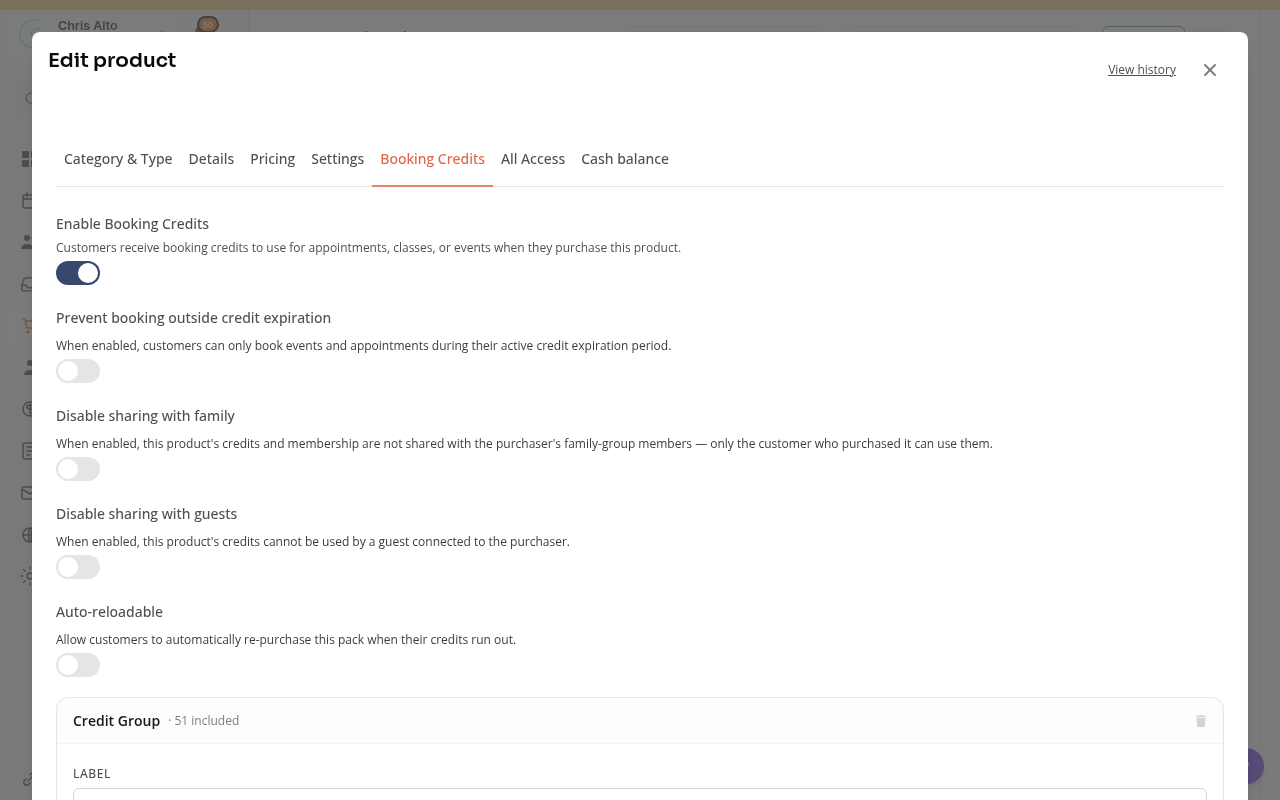
Enter a positive whole number of days for first-attendance expiry. This choice is for a limited one-time pack, rather than an unlimited group. Staff must record check-in so attendance can start the clock.
Membership Credits and Book-ahead
A recurring membership can issue credits for its billing periods. Credit availability, the membership’s access window and a service’s booking window all affect whether a booking is allowed.
An eligible membership can allow bookings in the next billing period before renewal is paid. Those book-ahead credits are reserved for the future period; they are not paid credits. A failed renewal can affect the related bookings.
Sharing with Family or Guests
Sharing depends on the product’s settings and the family or guest relationship. A guest booking records both the attendee and the person whose credit pays for it.
A group marked Guests Only pays for guests, rather than the purchaser’s own booking. Check sharing settings before promising that one pack will cover the whole household.
Why a Credit May Not Work
Check these points:
- Does this credit group include the service?
- Has the credit started, and is it still unexpired?
- Is the credit available, rather than already used or reserved?
- Does the service’s booking window allow this date?
- Does the product allow sharing with this attendee?
See why a credit will not apply at checkout for more help.
On Mobile
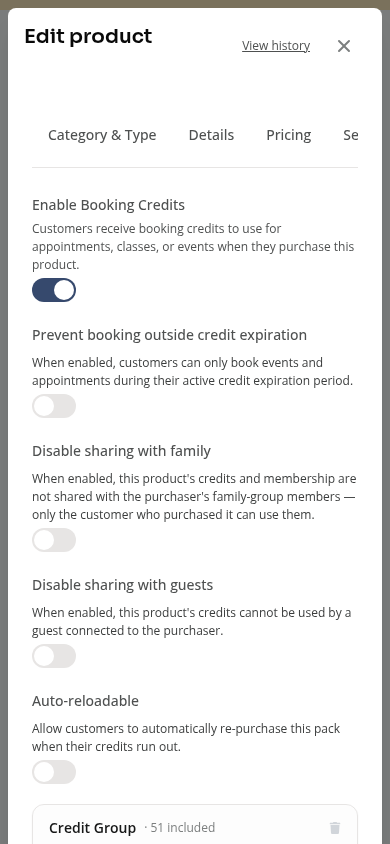
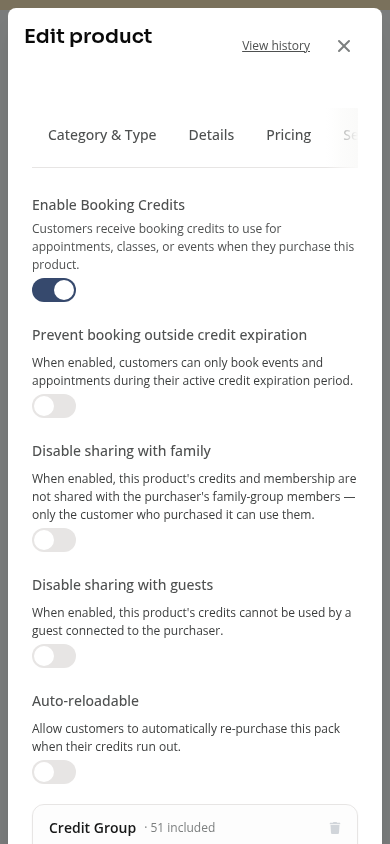
The same options appear in a stacked product editor. Scroll through the Booking Credits tab to see expiry and included services.
Tips
- Check the customer’s credit details before adding more credits.
- Returning a booking credit and refunding money are separate actions.
- Review cancellation choices before removing unused membership credits.
Need a hand?
Email our team at support@joinzipper.com and we'll usually reply within a few hours.
Was this article helpful?
Thanks for your feedback.