How to Sign Up a Family In Person
Register a parent and their children for classes or memberships when they walk into the studio.
Steps
Step 1: Create or find the parent’s account
- Navigate to: Payments > Point-of-Sale (or Contacts > Customers)
- Search for the parent by name or email — if new, Create a customer profile for them
Step 2: Set up the family structure (if first time)
- Open the parent’s profile in CRM → Family card → Manage family
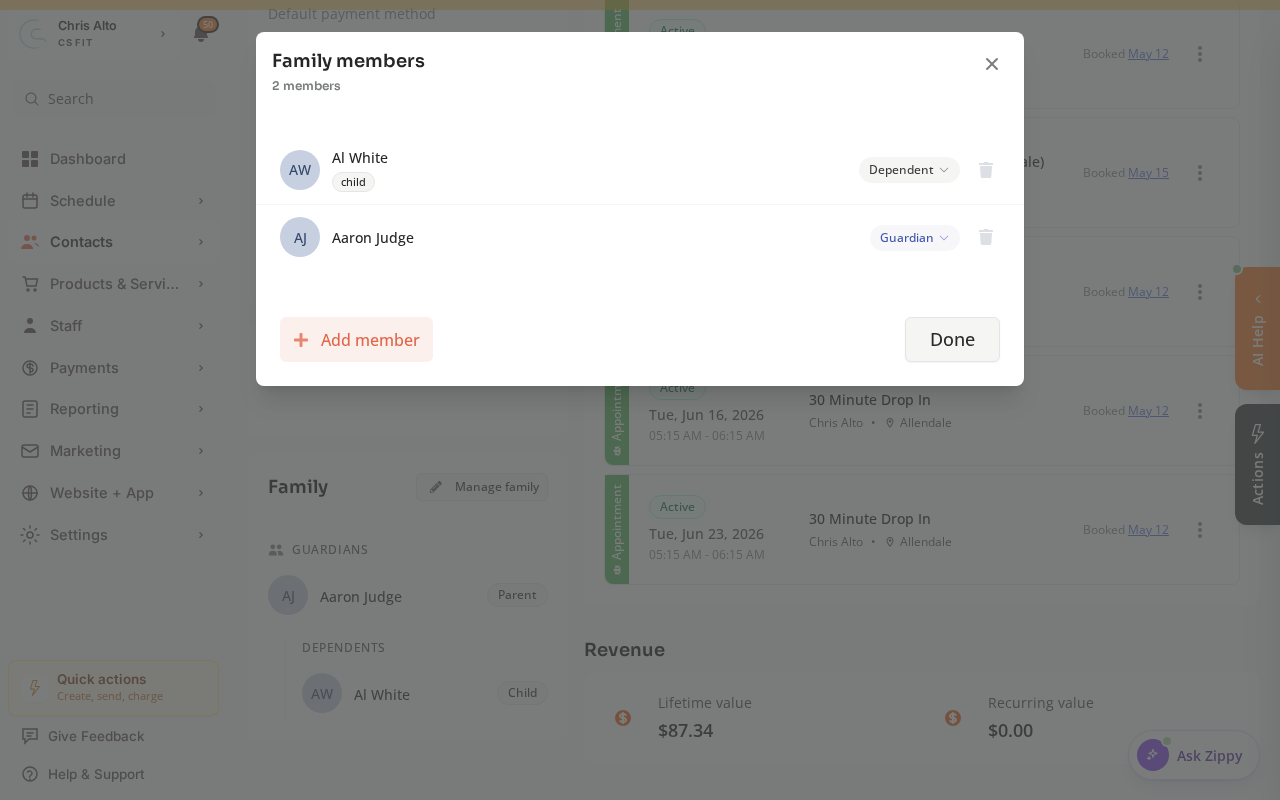
- Add each child as a dependent (name, date of birth, and any other info), then Save.
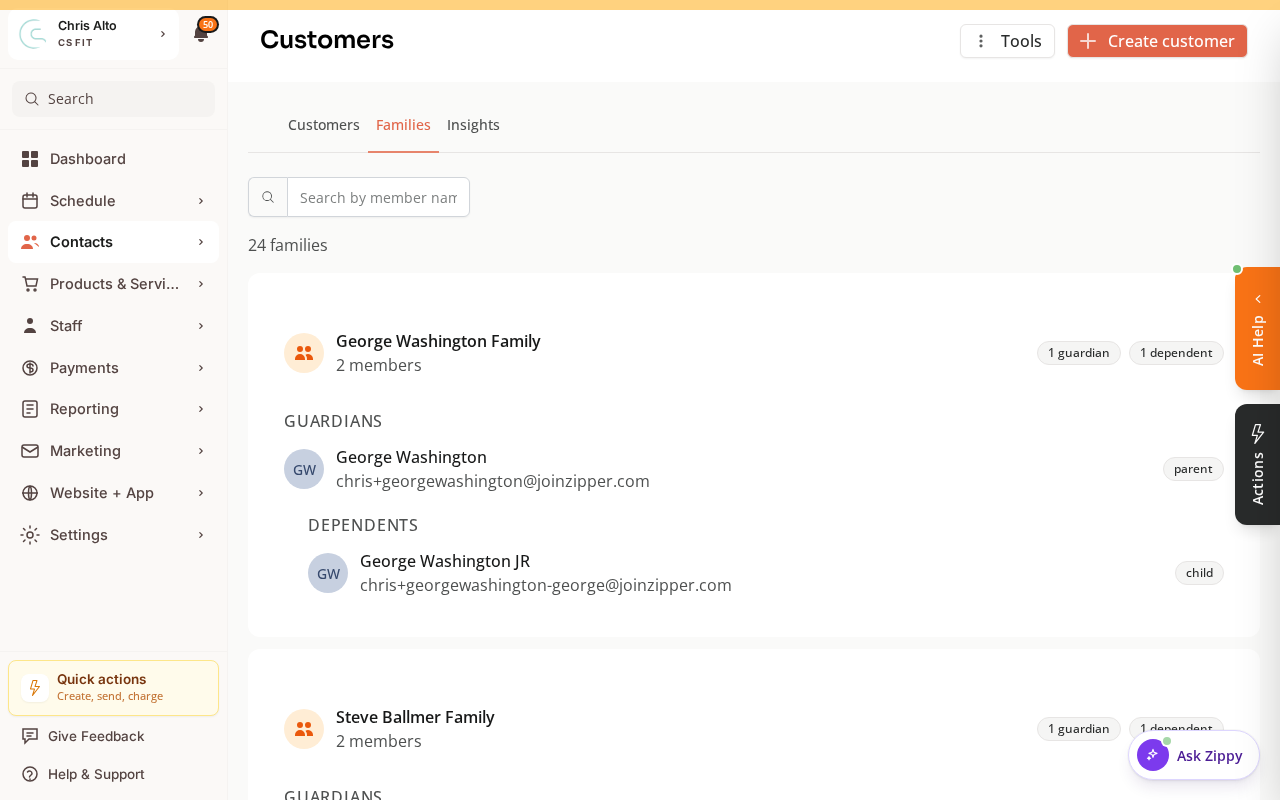
You can review all family groups org-wide under the Families tab in Contacts.
Step 3: Register and charge via Point-of-Sale
- Navigate to: Payments > Point-of-Sale
- Select the parent as the customer
- Add products for the parent (e.g., family membership) — children’s classes can be added to the parent’s cart or covered automatically by a family membership
- Process payment under the parent’s account
Step 4: Enroll children in classes
- Navigate to: Schedule > Calendar
- Click the class → Add registration
- Search for the child’s name, select payment option (e.g., family membership credits), and Register
Need a hand?
Email our team at support@joinzipper.com and we'll usually reply within a few hours.
Was this article helpful?
Thanks for your feedback.