How to Send Payout Reports to Staff
Share a staff member's payout report, review its scope and find the saved send history.
How to Send Payout Reports to Staff
Send a payout report when a staff member should review their earnings for a period. Sending a report shares the information; it does not transfer payroll money.
Before You Start
You need access to staff payout reports and permission to send them. Check the staff member’s pay settings and assignments before sharing a report.
Choose the Report and Period
Open Reporting > Past > Reports and choose a staff payout summary, breakdown or master payout report. Set the period and wait for the report to finish loading.
Choose the recipient from Select provider. Check the displayed rows, then choose Send to provider to prepare the confirmation.
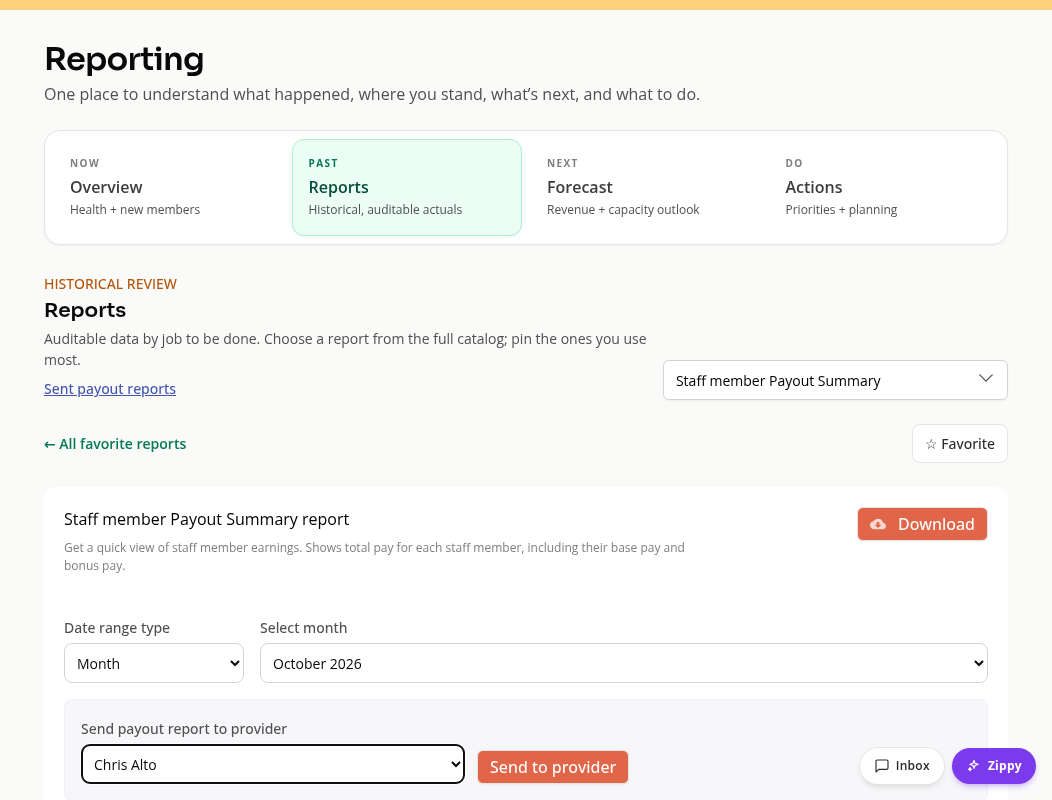
Review Before Sending
The confirmation names the recipient, date range and number of rows. The saved report contains only that person’s rows and totals.
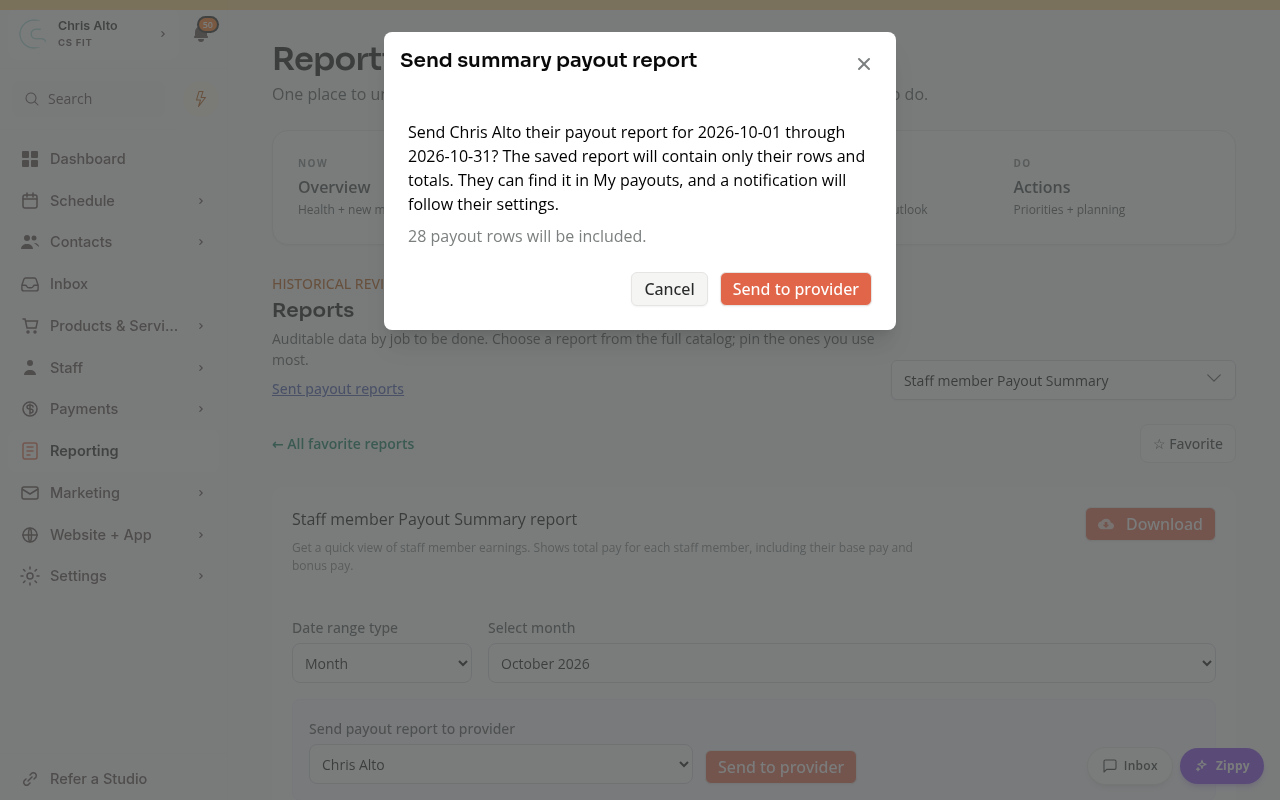
Choose Send to provider in the confirmation when ready, or Cancel to leave the report unsent.
The staff member can find the saved report in My payouts. Any notification follows their settings. An empty report has an additional warning to review.
Find Sent Reports
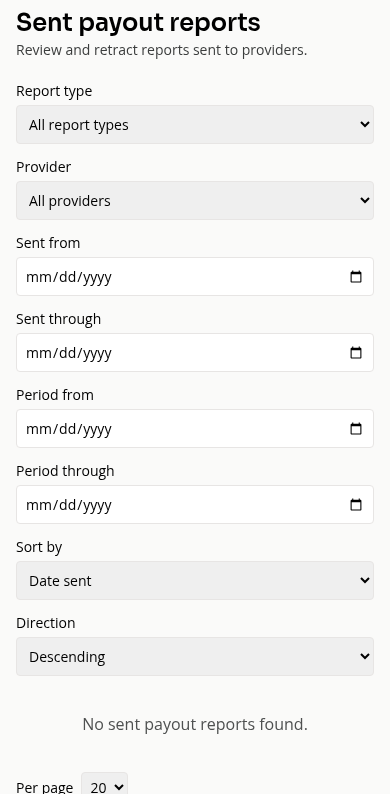
Open Sent payout reports from Reporting to review or retract a saved report. Filters include recipient, report type, date sent and the period covered.
Retracting a shared report is different from reversing a payment. These are report-sharing controls.
On Mobile
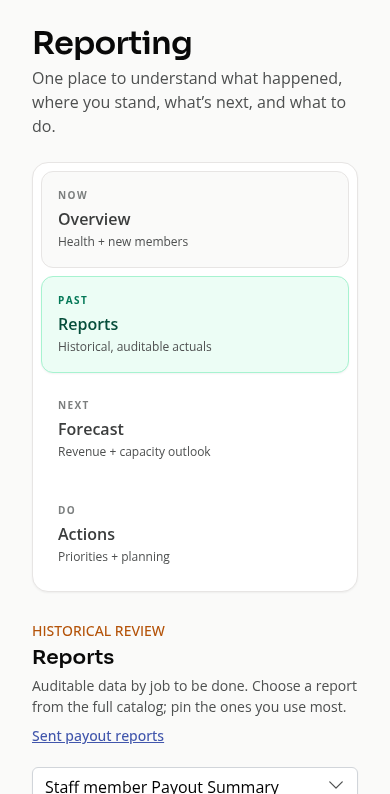
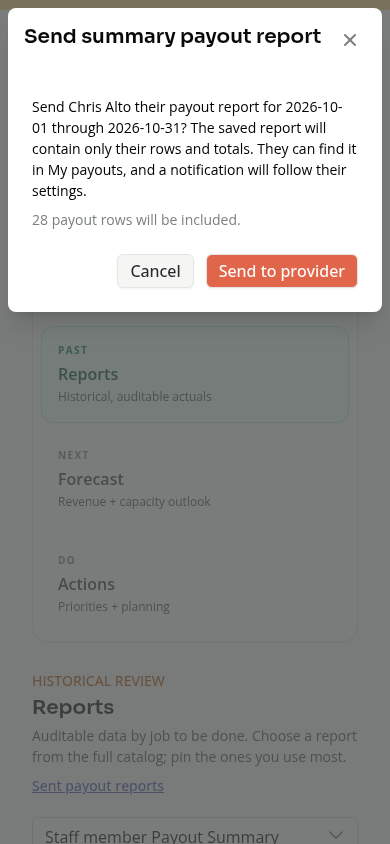
Use the same report and recipient controls. Scroll a wide table to review all columns before preparing the confirmation.
Troubleshooting
Send to provider is disabled. Choose a recipient and wait for a successful report load. Check your permission.
The preview says the report changed. Reload the report and review its current rows before trying again.
The recipient cannot find it. Check that the send completed and that the report has not been retracted. They should check My payouts.
Need a hand?
Email our team at support@joinzipper.com and we'll usually reply within a few hours.
Was this article helpful?
Thanks for your feedback.