How to Monitor Member Account Activation
Track how many of your imported members have claimed their Zipper accounts after launch.
Where to Check Activation Status
Each customer profile shows their account claim status:
| Status | Meaning |
|---|---|
| Not registered | No Zipper account exists for this email yet |
| Registered, unclaimed | A Zipper account exists but isn’t linked to this customer profile |
| Registered ✓ | Member has an active Zipper account connected to their profile |
Checking Status in the CRM
- Go to Contacts > Customers
- Use the Filter to filter by account status (if available)
- Or scan the customer list — profiles show the activation status
Run the Member Account Status Report
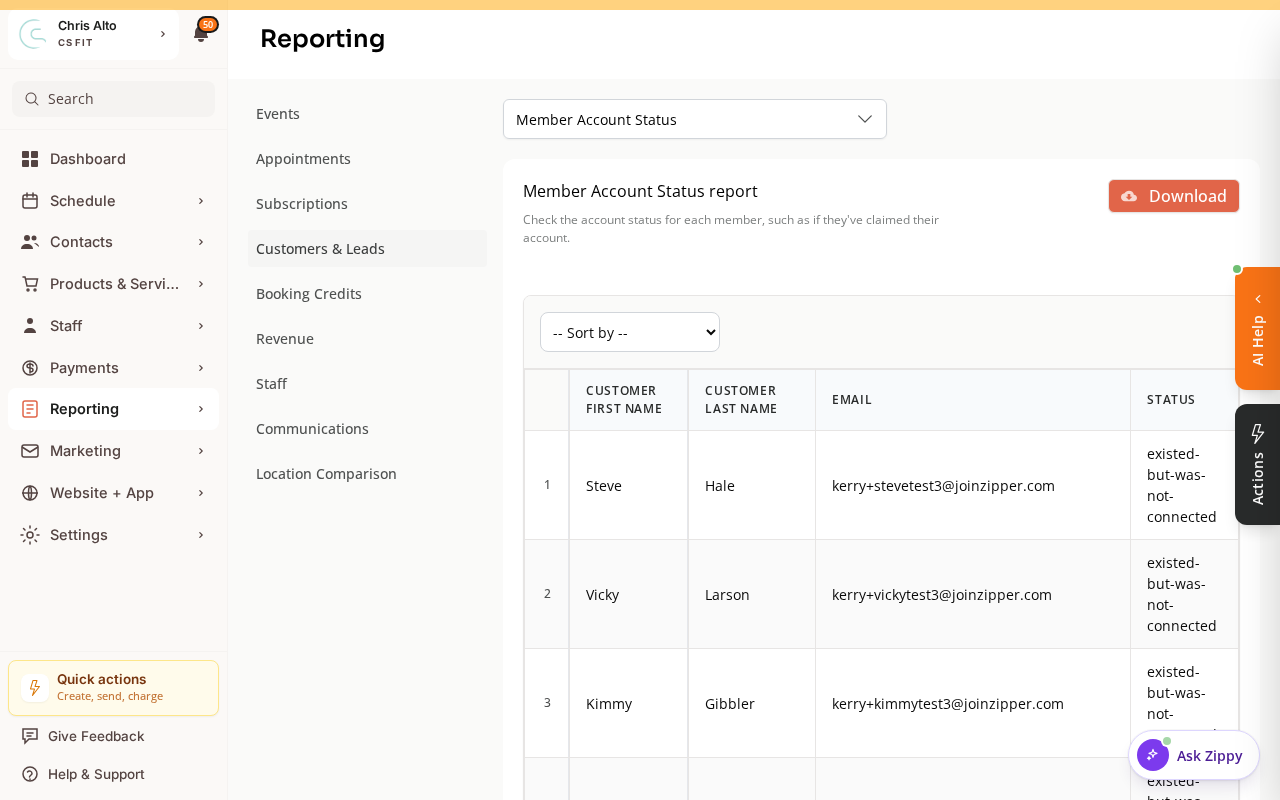
The fastest way to see activation across your whole roster is the built-in report.
- Go to Reporting > Reports, then open the report picker.
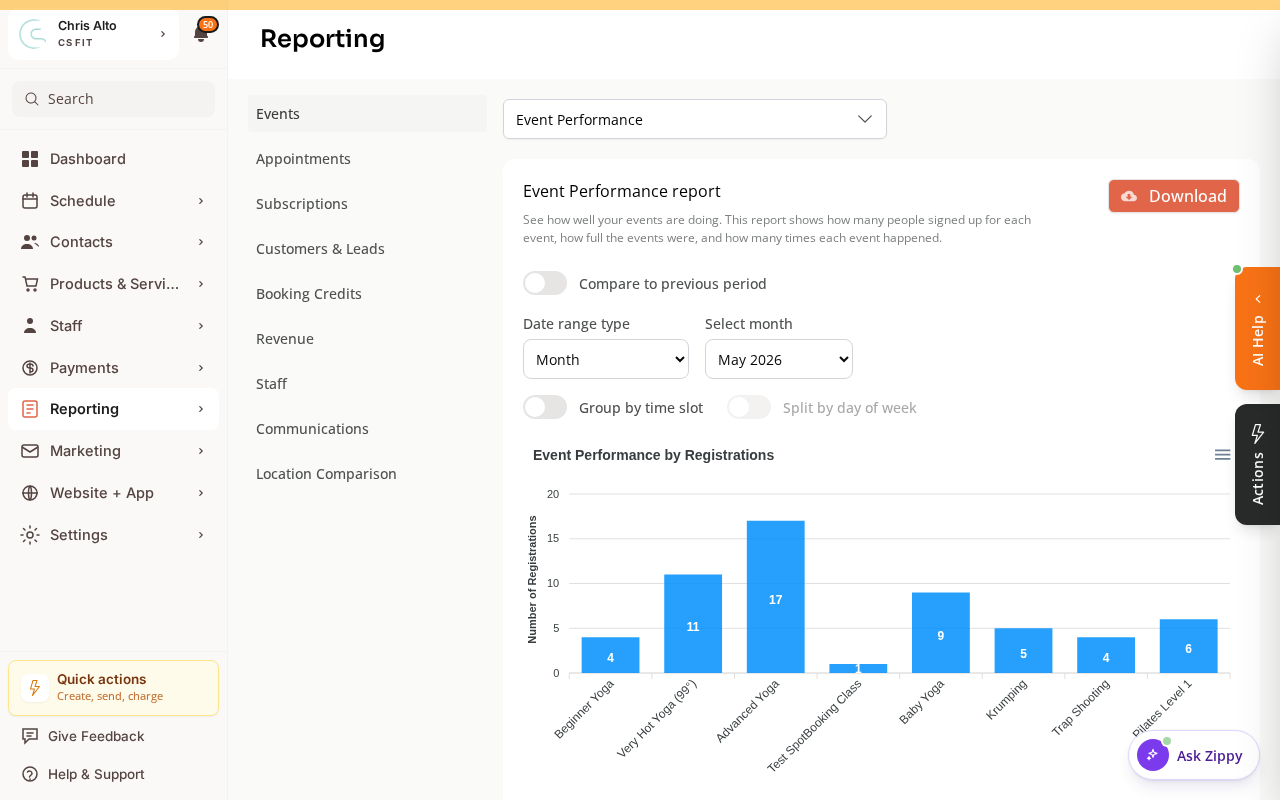
- Choose the Customers & Leads category and select Member Account Status. The report shows each member’s email and account claim status, and can be downloaded as a CSV.
Tracking Activation as a Percentage
To see overall activation:
- Run the Member Account Status report above and download the CSV
- Count rows by account status in a spreadsheet
Or ask your Zipper onboarding rep — they can pull activation metrics for your organization.
How to Increase Activation
Members who haven’t claimed their accounts haven’t received or acted on their invite:
- Resend invites: Open the customer’s profile → look for “Invite to manage account” button → click to resend
- Bulk invite campaign: Export unclaimed members → send a targeted email campaign with the invite link
- In-studio reminder: Remind members at the front desk to check their email for the Zipper invite
Tips
- Target 70%+ activation by day 7: Most active members claim within the first week with a good invite email.
- Family accounts: The parent/guardian claims the account — children’s profiles don’t need separate accounts.
- Check activation weekly during the first month after launch and follow up with non-activated members.
Troubleshooting
Member says they got the invite but can’t activate. The invite link may have expired. Resend the invite from their profile in Contacts > Customers. If the issue persists, contact Zipper support.
Need a hand?
Email our team at support@joinzipper.com and we'll usually reply within a few hours.
Was this article helpful?
Thanks for your feedback.