How Class Check-Out Affects Payroll
When instructors are checked out of a class (session ends), Zipper records the class as completed in payroll tracking. Here's how it connects.
What “Check-Out” Means
Check-out means ending (or “closing”) a class session in the admin — marking it complete and finalizing attendance records.
How It Connects to Payroll
Payroll in Zipper is based on completed sessions:
- When a class session is checked out/ended, it counts toward the assigned instructor’s pay
- The instructor’s pay rate (flat rate per class, per-head, or hourly) is applied to that completed session
- The session appears in the payroll report for the period it occurred in
Sessions that haven’t been checked out may not appear in payroll reports, depending on your reporting settings.
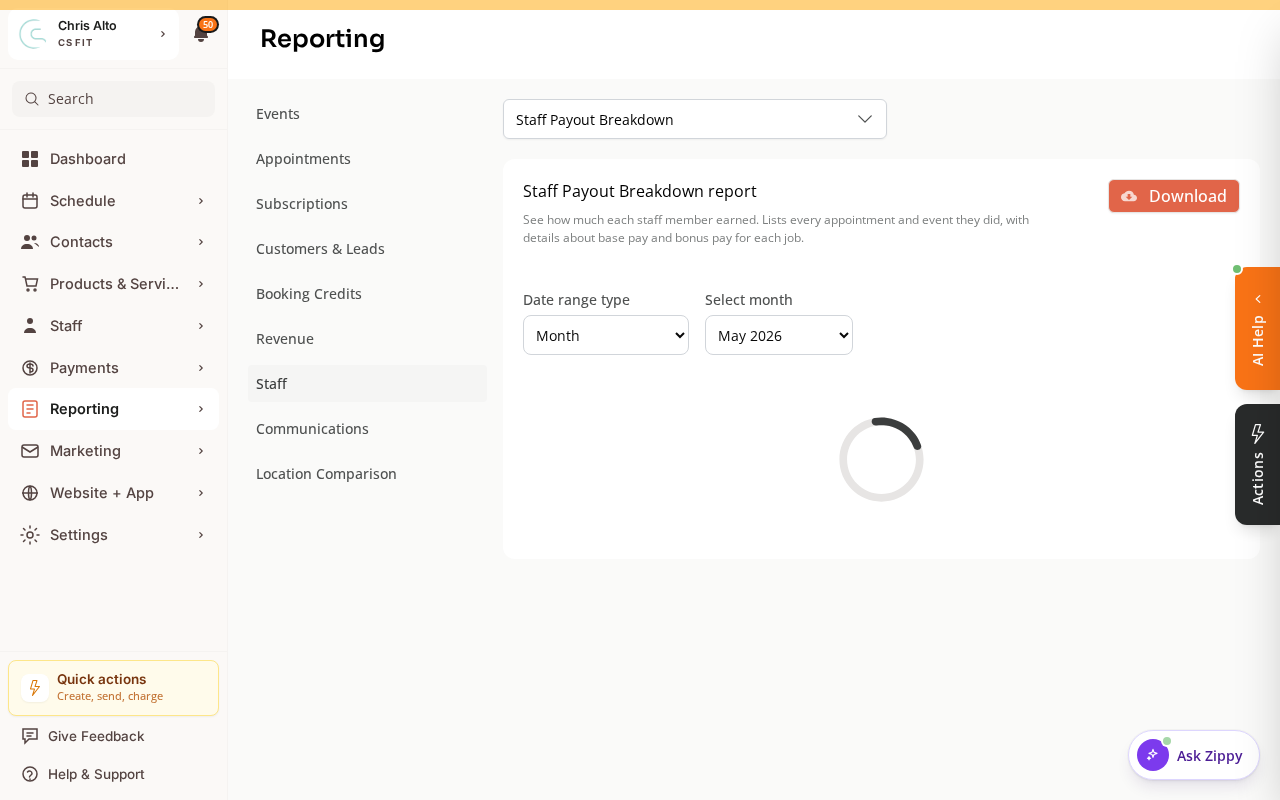
Completed sessions and instructor pay show up under Reporting > Reports.
What This Means Day-to-Day
Ensure instructors mark sessions complete (or admins do it). Sessions logged automatically via clock-in/out don’t require manual check-out. Run payroll reports for the period you want to pay out — only completed (checked-out) sessions appear.
Sessions still marked “Active” past their end time (Schedule > Calendar) need to be manually closed, or configure auto-end for recurring class types.
Troubleshooting
Instructor’s class doesn’t show in the payroll report? Check: (1) session is marked complete/ended, (2) reporting period covers the class date, (3) instructor’s pay rate was assigned before the class.
Classes stuck as “Active”? Manually end them in Calendar view, or set up automatic session closing for recurring classes.
Need a hand?
Email our team at support@joinzipper.com and we'll usually reply within a few hours.
Was this article helpful?
Thanks for your feedback.