Zipper Product Update — 6/12/24
June 2024 Zipper release: Website Builder 2.0, customizable login, lead management, lead journeys, automations, media library, and admin tools.
What’s new with Zipper — June 12, 2024
We’ve shipped a stack of feature enhancements and upgrades aimed at making your studio easier to run, market, and grow. Here’s a tour of what’s new.
Website Builder 2.0
We’ve rebuilt the website editor from the ground up. Faster, more flexible, and easier to keep your brand consistent across every page.
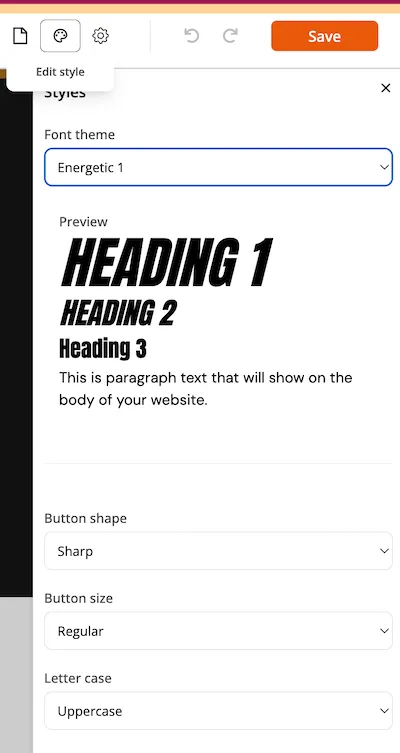
Global Design Settings
Update the style of your website across the entire site in a couple of clicks. Set your colors, typography, and spacing once and have it apply everywhere — no page-by-page edits.
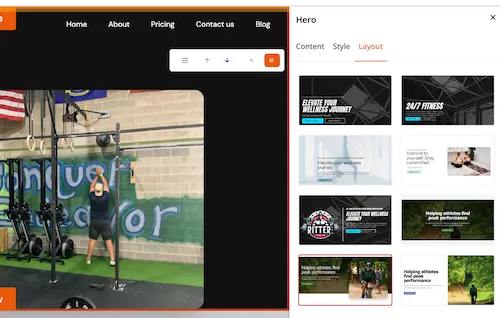
Theme & Layout Swapping
Swap between different layouts for any content block in a single click. Try a new look without rebuilding the section.
New Block Designs
A bigger library of pre-designed blocks gives you more customization options without needing to know design or code.
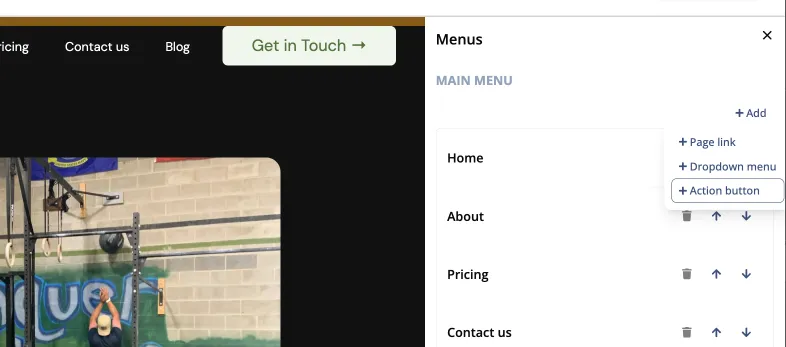
Buttons in the Header
Add action buttons directly to your site header so visitors can convert from any page — book, sign up, or contact you with one tap.
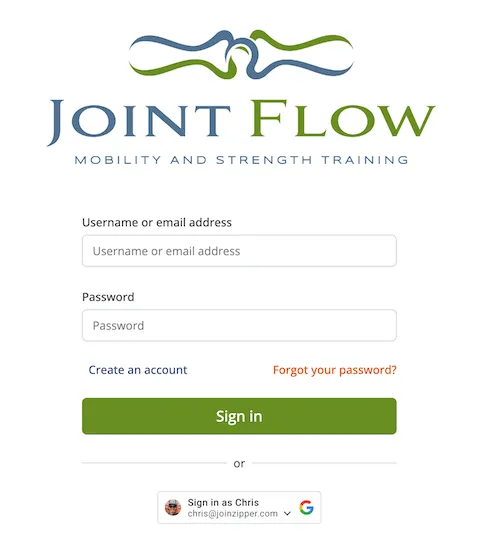
Customizable Login Experience
Your clients now get a fully branded login on web and mobile. They can register for classes, manage their account, and pay you — all without you needing to publish or maintain a separate app.
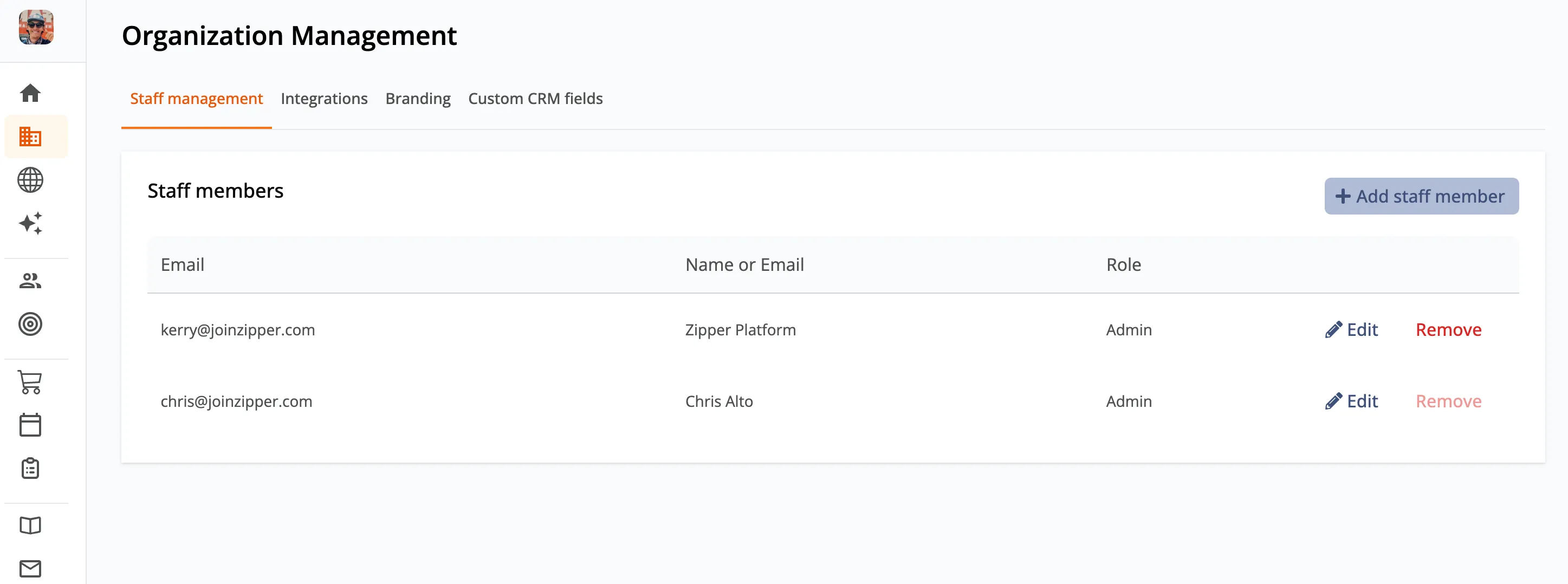
Admin Management
New tooling for adding and managing users on your platform. Invite staff, assign roles, and keep your team organized in one place.
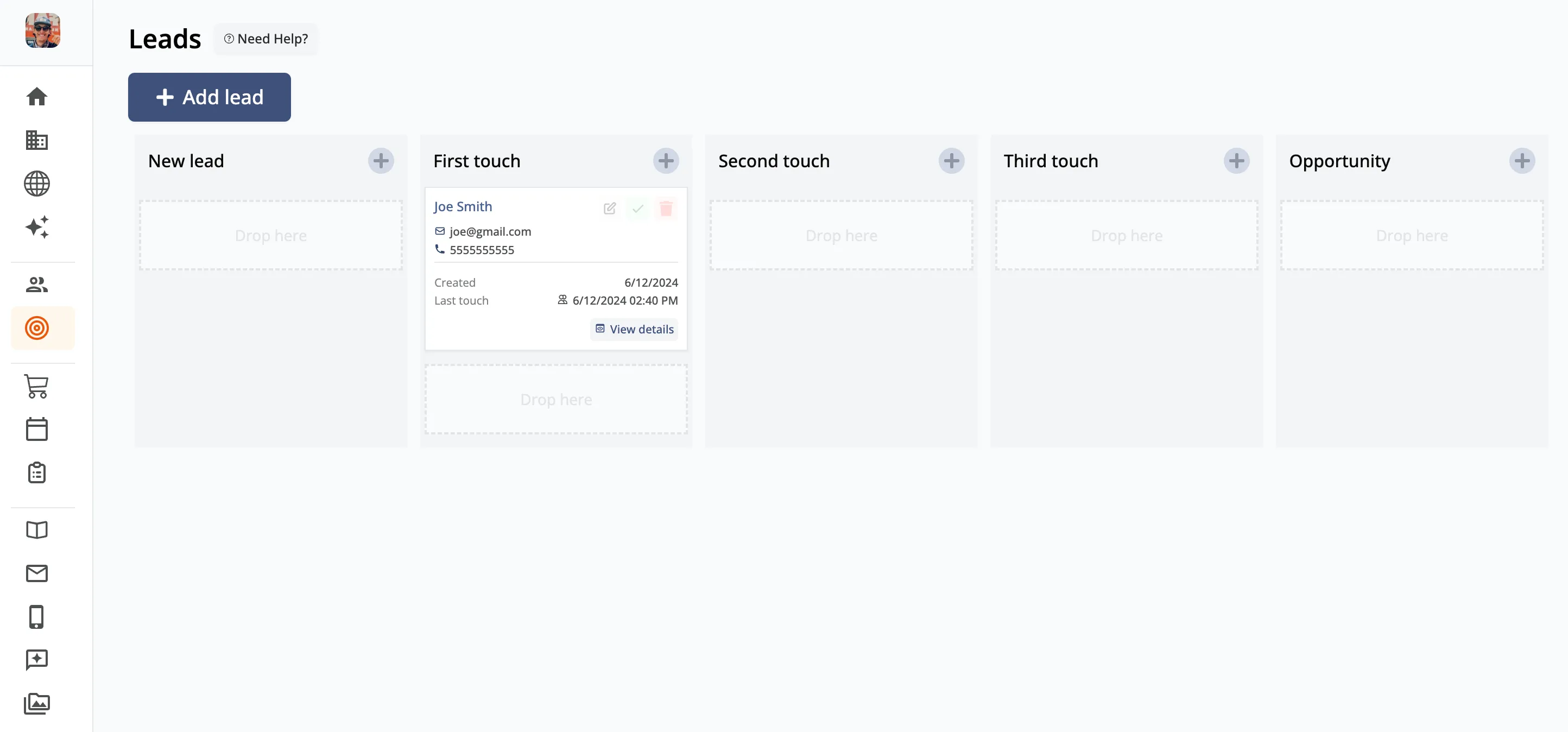
Lead Management
A dedicated dashboard for tracking every lead so you never miss an opportunity. See who’s interested, where they came from, and what they need next.
Lead Journeys
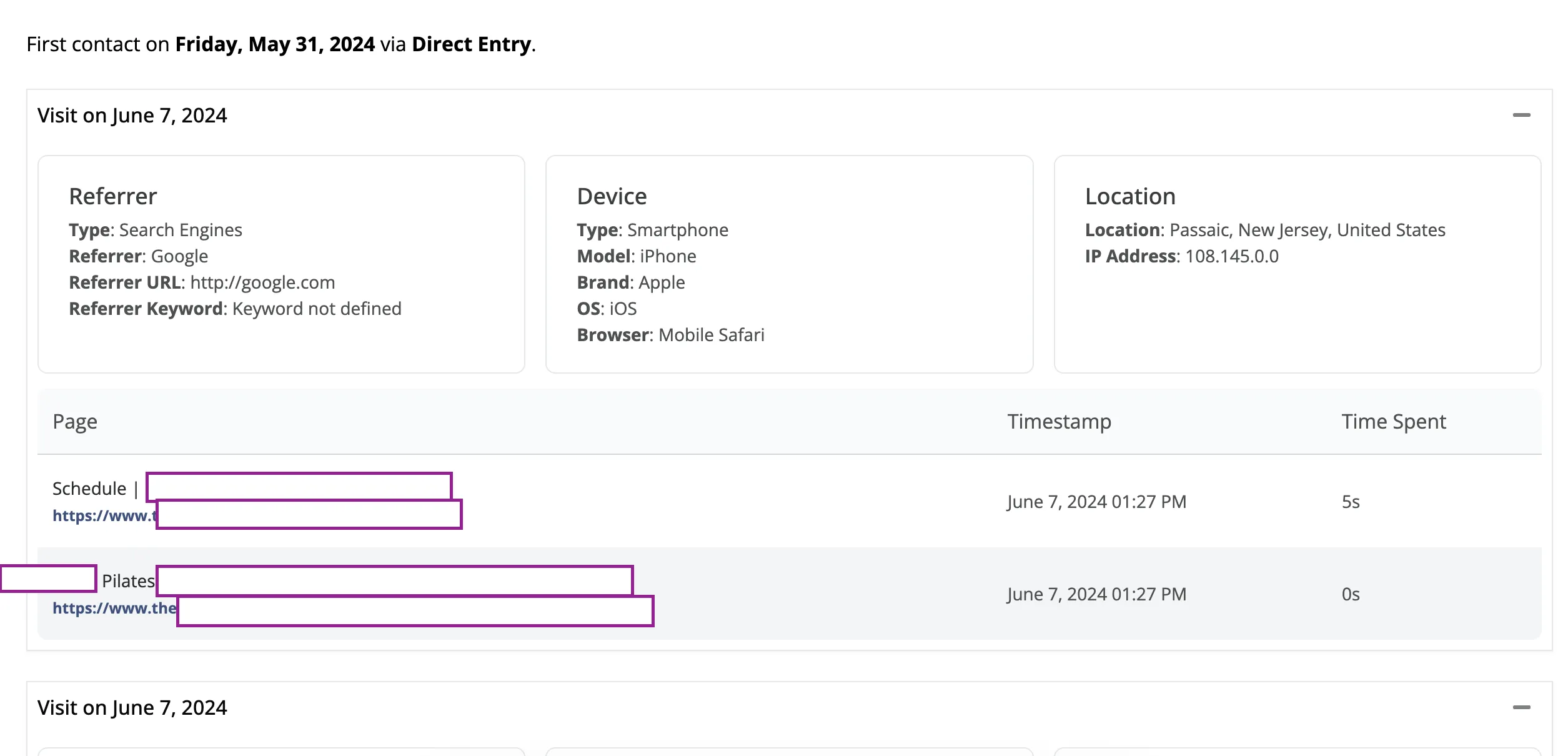
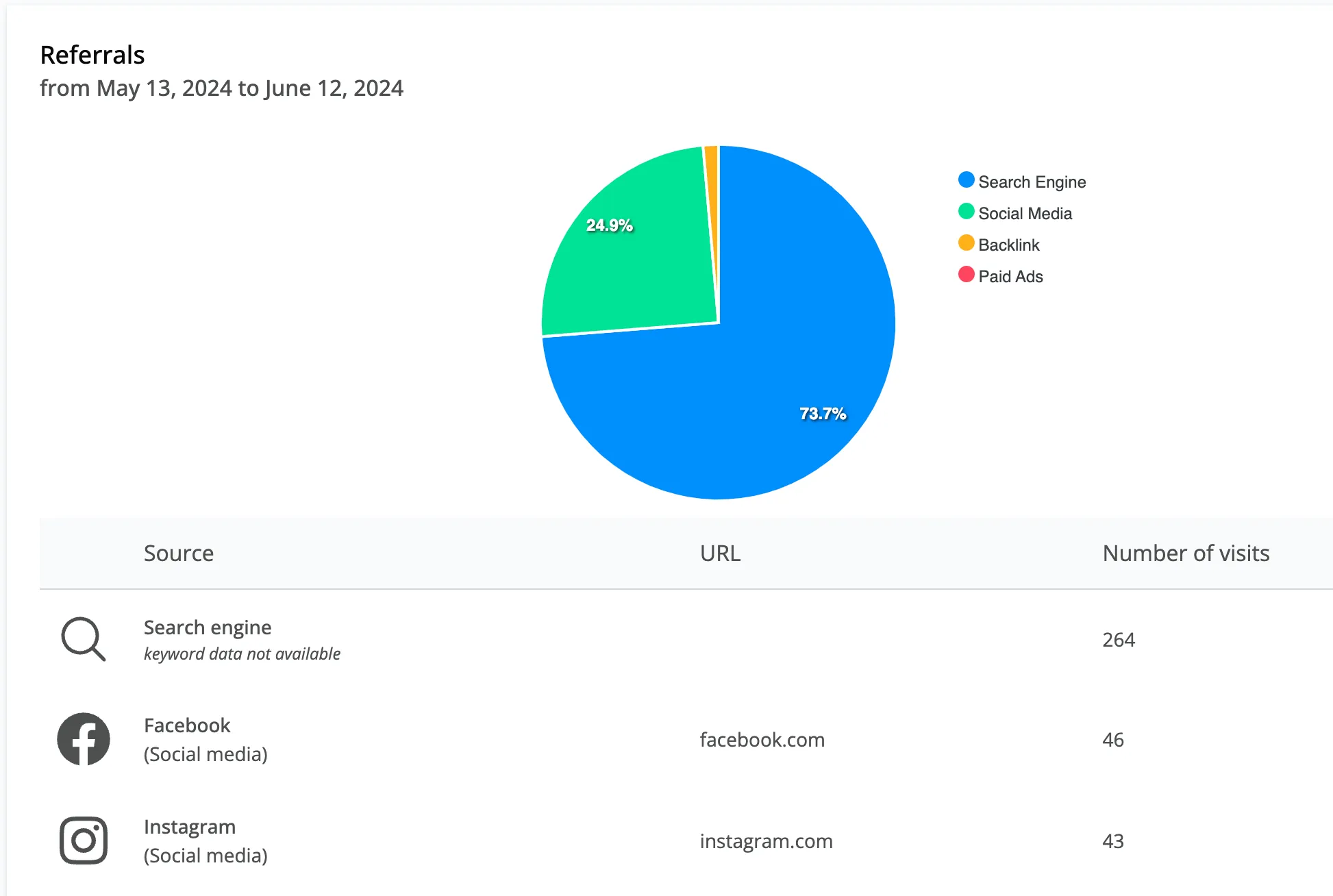
See exactly how prospects find you and what they do once they arrive.
Lead Journey Tracking. Open any form submission to see the full journey: which pages the prospect visited, the order they visited them in, and the traffic source that brought them to you.
Find it under: Forms → Select form → View Submissions → Lead Journey.
Site Analytics Breakdown. A new analytics view shows traffic sources, top pages, and engagement at a glance.
Find it under: Dashboard → View Site Analytics.
Automations
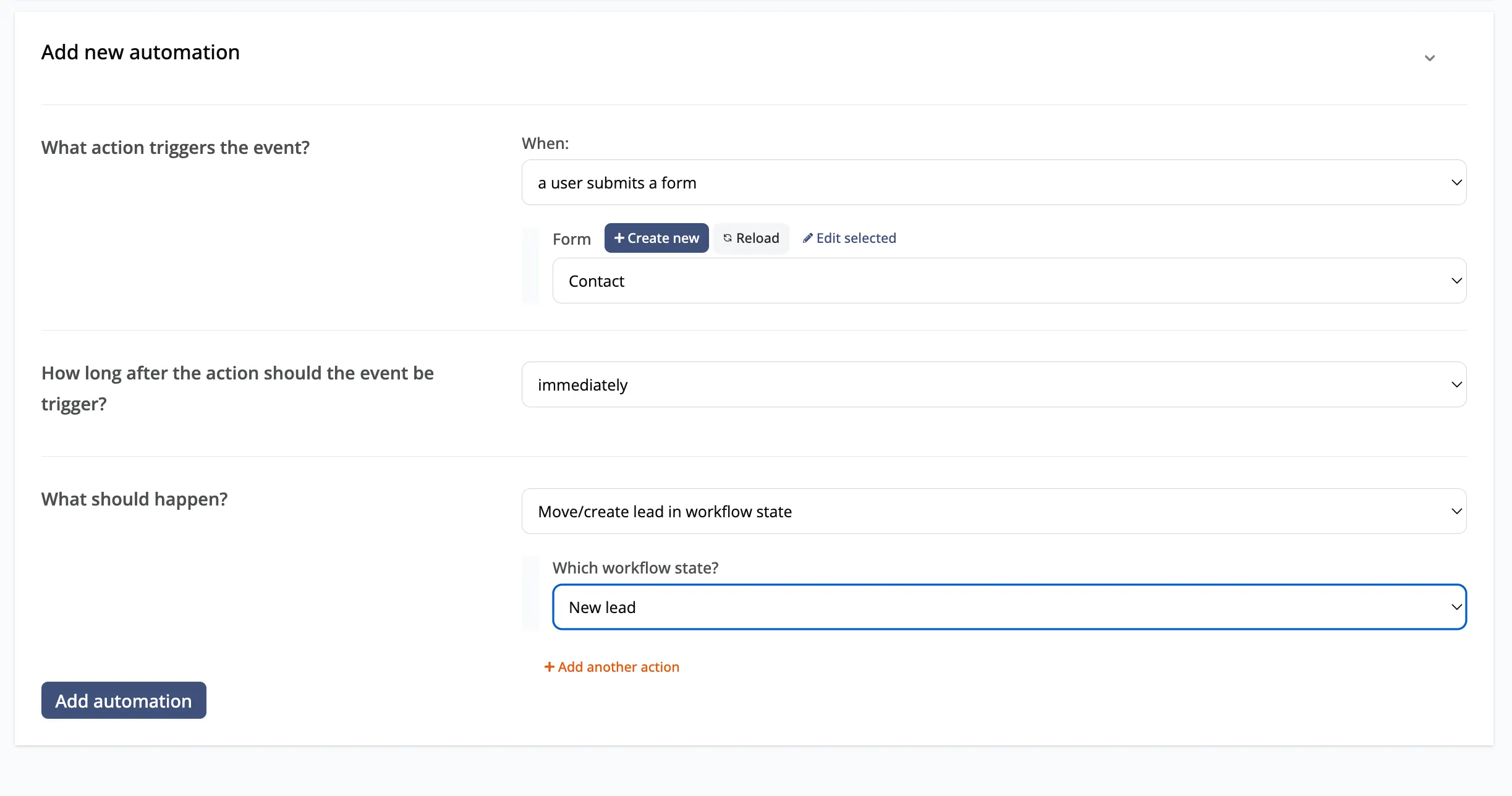
Quick-setup automations let you wire up the workflows you’d otherwise build by hand:
- Auto-send an email when someone submits a form
- Auto-create a tracked lead from any form submission
- Auto-add a contact to a list (for example, your newsletter)
Media Library
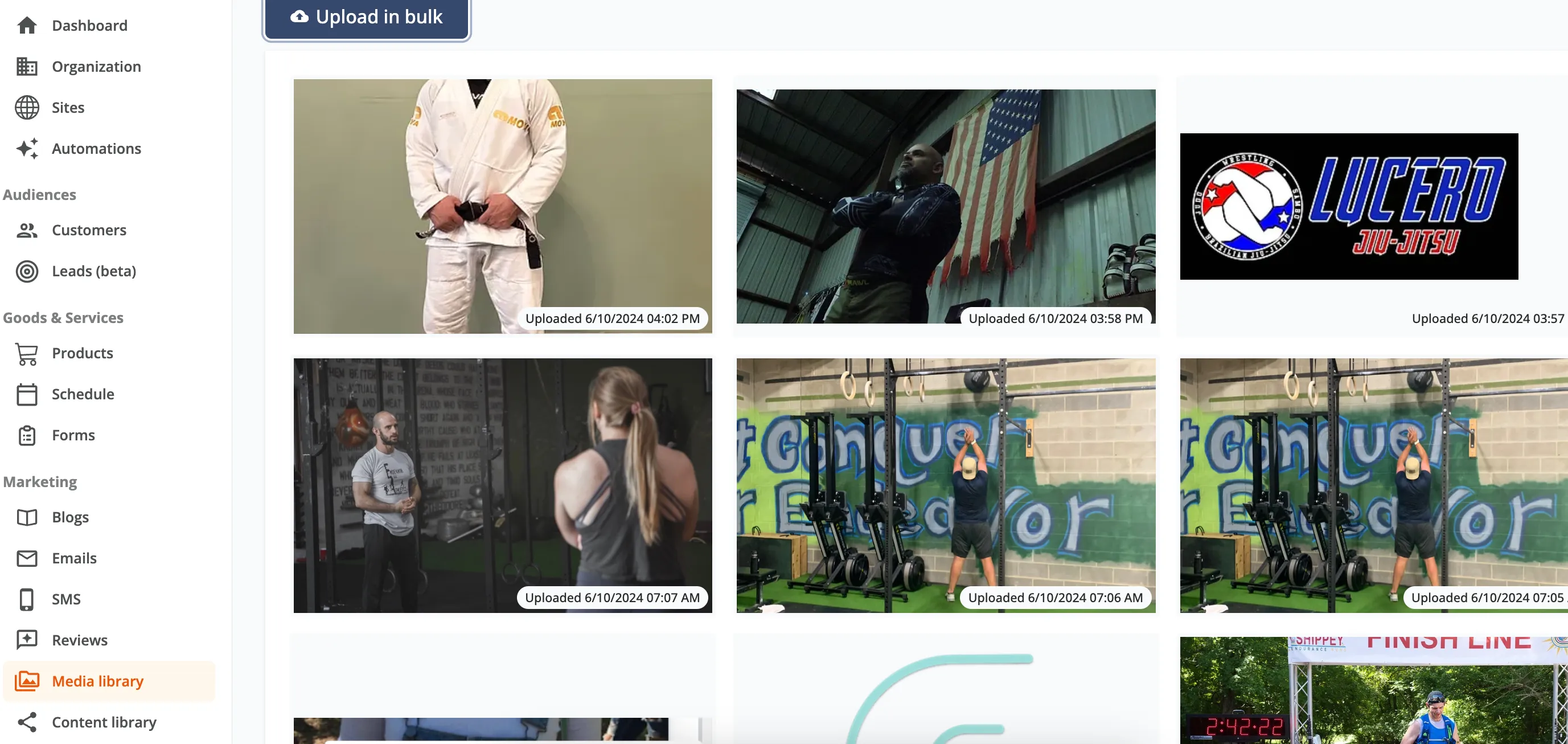
Bulk upload assets once and use them everywhere — your website, social posts, emails, and beyond. No more re-uploading the same logo or photo across every channel.
Coming Soon
We’re not slowing down. Here’s what’s on deck:
- Social media integrations with Meta and Google Business Profile
- Enhanced social media content calendar with weekly branded content
- AI-powered newsletter creation
- Booking improvements
- SMS automations
- Lead magnets — popups, content downloads, and more
Questions?
Our support team is ready to help you get the most out of these new features. Reach out through your dashboard any time.
The Zipper Team